

X Ads
Source
Polytomic authenticates to X Ads using these credentials:
- Consumer Key
- Consumer Secret
- Access Token
- Access Token Secret
Follow these steps to generate these and authenticate with Polytomic:
- Sign up for an X developer account here: https://console.x.com
- In the X console, go to Apps → Create App.
- Generate OAuth 1.0 keys. Save these credentials for entry in Polytomic. Note also your developer app ID for use in the next step.
- Submit a request to X for authorization to use the X Ads API: https://docs.x.com/forms/ads-api-access.
- Once approved in Step 4, log in to Polytomic and go to Connections → Add Connection → X Ads.
- Enter the credentials from Step 3:
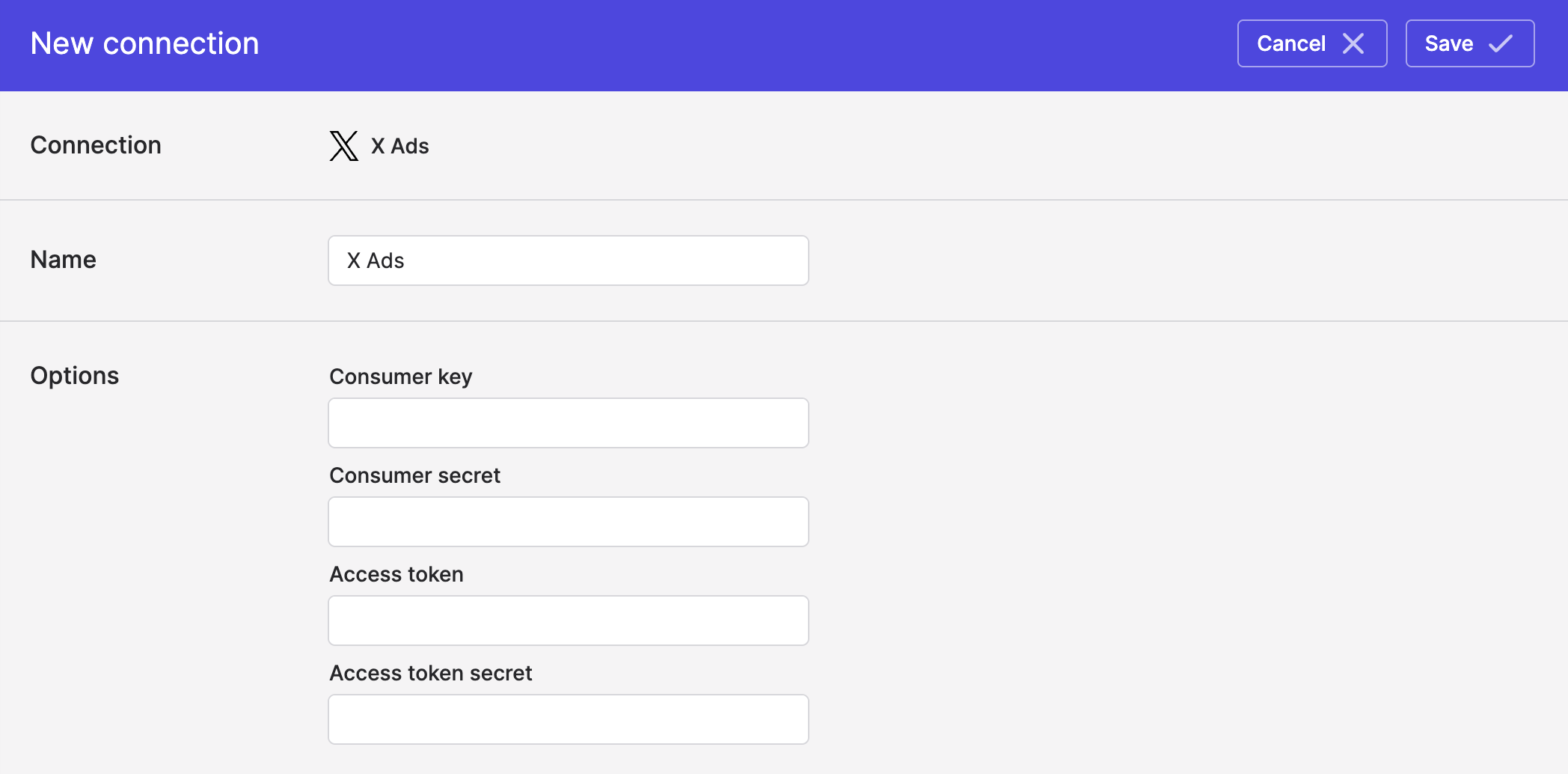
- Click Save.
Syncing from X Ads
Use Bulk Syncs to sync your X Ads ad and campaign data to data warehouses, databases, and cloud storage buckets like S3.
Use Model Syncs to sync your X Ads ad and campaign data to SaaS applications like Salesforce, spreadsheets, and webhooks.
Updated about 2 months ago