

TikTok Ads
Source and destination
Polytomic connects to TikTok Ads using OAuth:
-
In Polytomic, go to Connections → Add Connection → TikTok Ads.
-
Click Connect to TikTok Ads to authenticate to TikTok Ads:
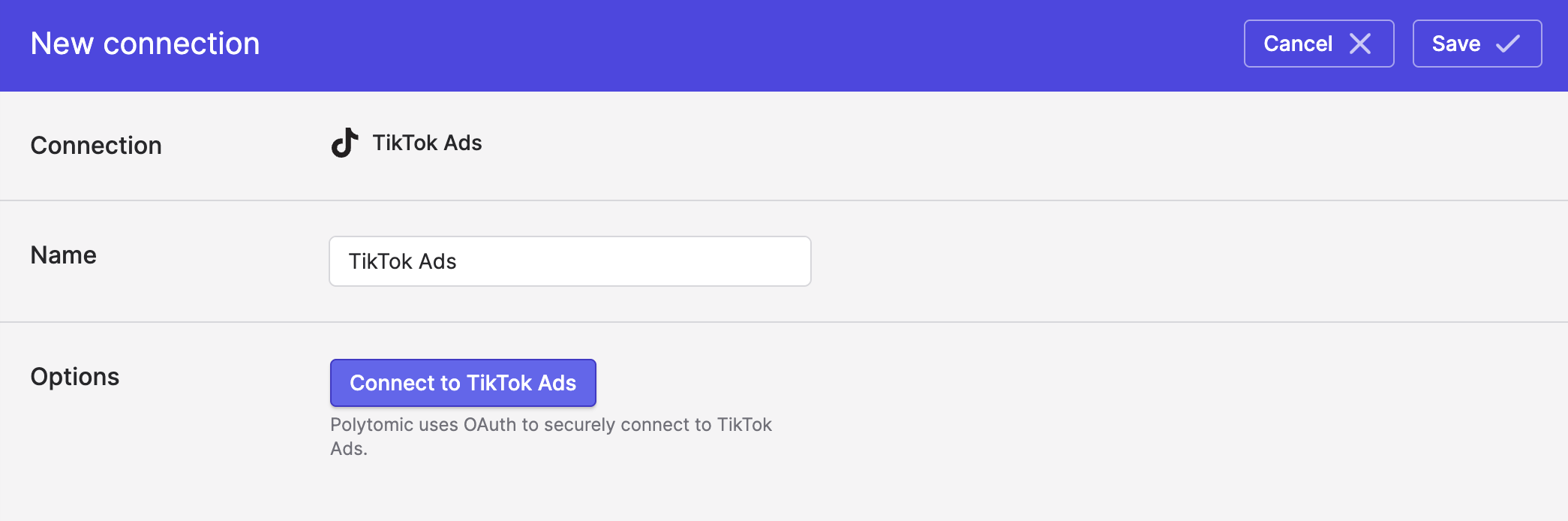
- Click Save.
Syncing to TikTok Ads
Use Model Syncs to sync the following datasets from any of your systems (data warehouses, databases, CRMs, spreadsheets, or APIs) to TikTok Ads:
- Audiences
- Conversions
Note that Customer File audiences must be defined in your TikTok Ads console before Polytomic will list them as a sync destination.
PII hashing
You do not need to hash your PII fields before sending them with Polytomic. If your data is in plain text, Polytomic will hash it automatically. If it's already hashed, Polytomic will send the hashes as-is.
Limited Data Use (LDU)
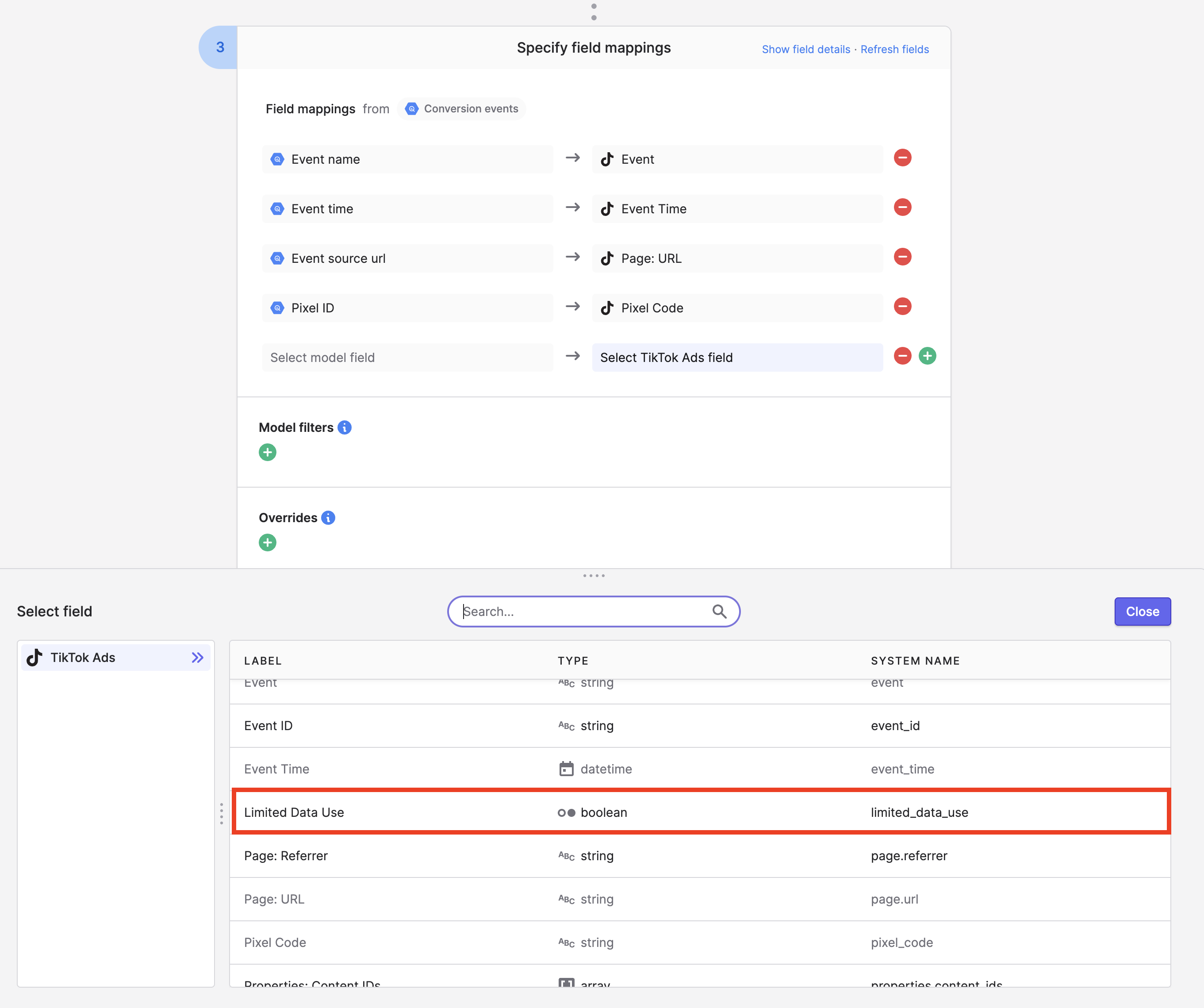
When syncing conversion events to TikTok Ads, if you need to enable/disable Limited Data Use per conversion event and US state-level privacy law adherence, you can do so by mapping a true/false value to the Limited Data Use destination field in your Polytomic Model Sync configuration:
TikTok Ads only provides the LDU flag for web and app events. CRM events do not support passing an LDU flag.
Syncing from TikTok Ads
Use Bulk Syncs to sync ad reports and account information from TikTok Ads to your data warehouses, databases, and cloud storage buckets like S3.
Use Model Syncs to sync ad reports and account information from TikTok Ads to your SaaS applications, spreadsheets, and webhooks.
Updated 4 months ago