

Sync console log
Detailed log lines for your syncs
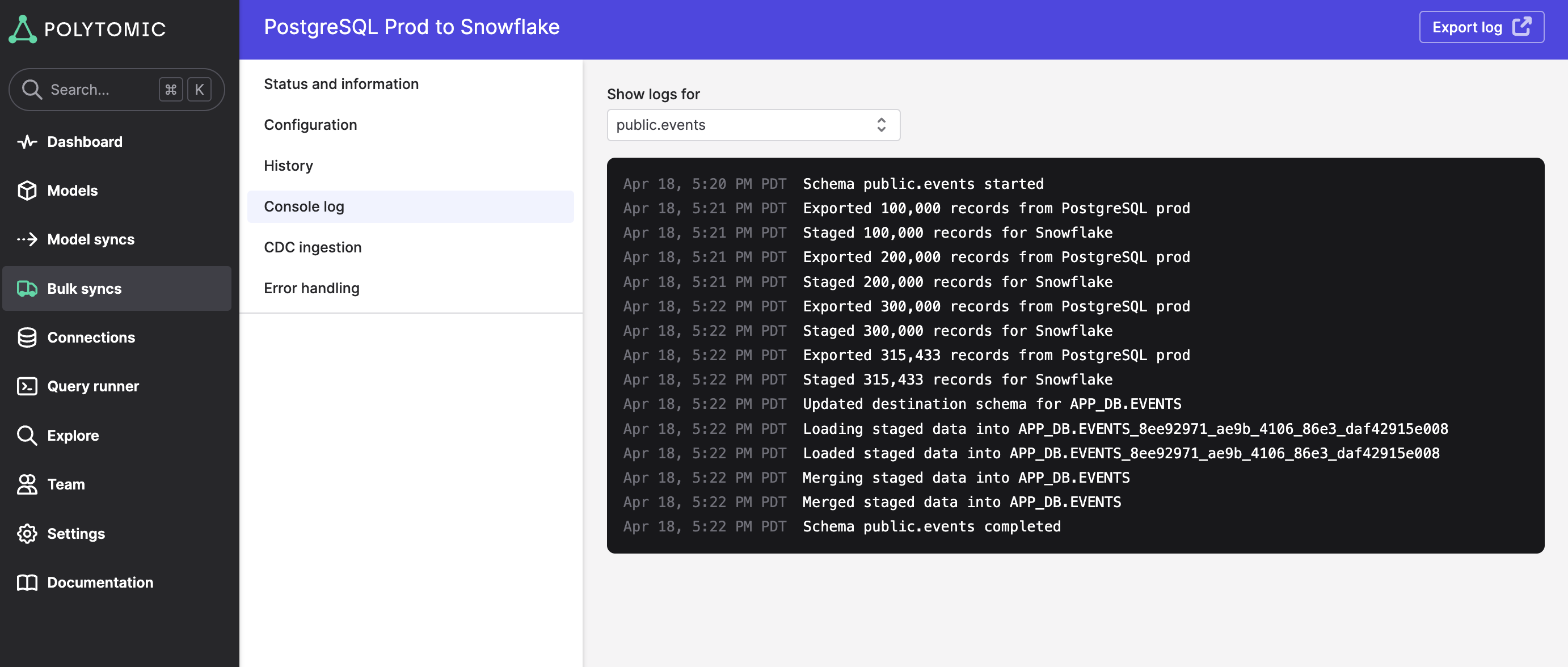
In each sync, you can click into the Console log page to see detailed log lines of your sync's progress. These log lines mostly cover sync progress (e.g. number of records extracted or inserted and connection rate limit statuses).
The console log is active for both Model Syncs and Bulk Syncs (i.e. whether you're syncing to a SaaS application or a database/warehouse). For Bulk Syncs where you're syncing multiple tables at once, you can click the dropdown at the top of the page to get a per-table status:
Most recent run only
The console log only shows data for the most recent sync run (whether it's in-progress or already completed).
Updated 4 months ago