

Claude Analytics
Source
Polytomic connects to Claude Analytics using a Claude Enterprise API key:
- Sign in to Claude as the primary owner of the Claude Enterprise parent organization.
- In Claude, go to claude.ai → Organization settings → API.
- Create your API key. Make sure to add all scopes that begin with
read:. - In Polytomic, go to Connections → Add Connection → Claude Analytics.
- Enter your API key from Step 3.
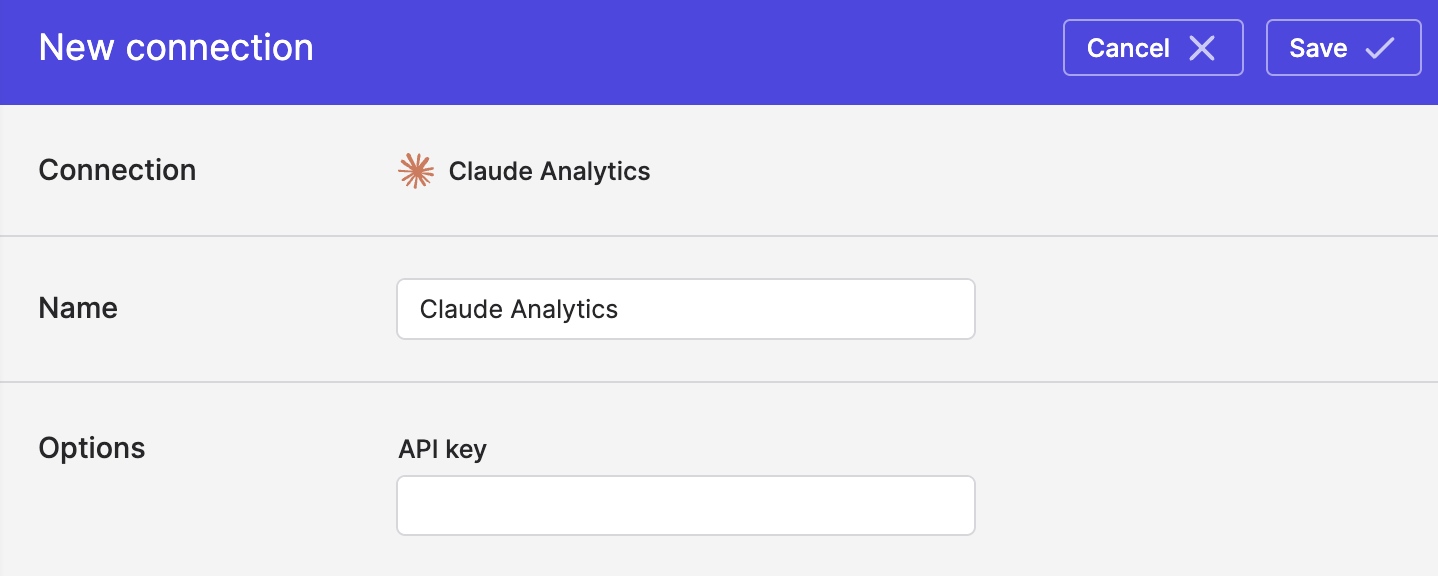
- Click Save.
Syncing from Claude Analytics
Use Bulk Syncs to sync Claude spend and usage statistics to your data warehouse, databases, and cloud storage buckets like S3.
Updated about 2 months ago