

Supabase
Source and destination
Follow the below instructions to connect to your Supabase instance:
- Optional: if you need to whitelist Polytomic's IP addresses, find them here.
- For best performance, enable the IPv4 add-on in your Supabase console: https://supabase.com/docs/guides/platform/ipv4-address
- In Polytomic, go to Connections → Add connection → Supabase.
- Enter your credentials and hostname. If you cannot enable the IPv4 add-on from Step 2, use the pooler session mode Supabase hostname (see https://supabase.com/docs/guides/database/connecting-to-postgres#pooler-session-mode), though note that this will result in slower performance:
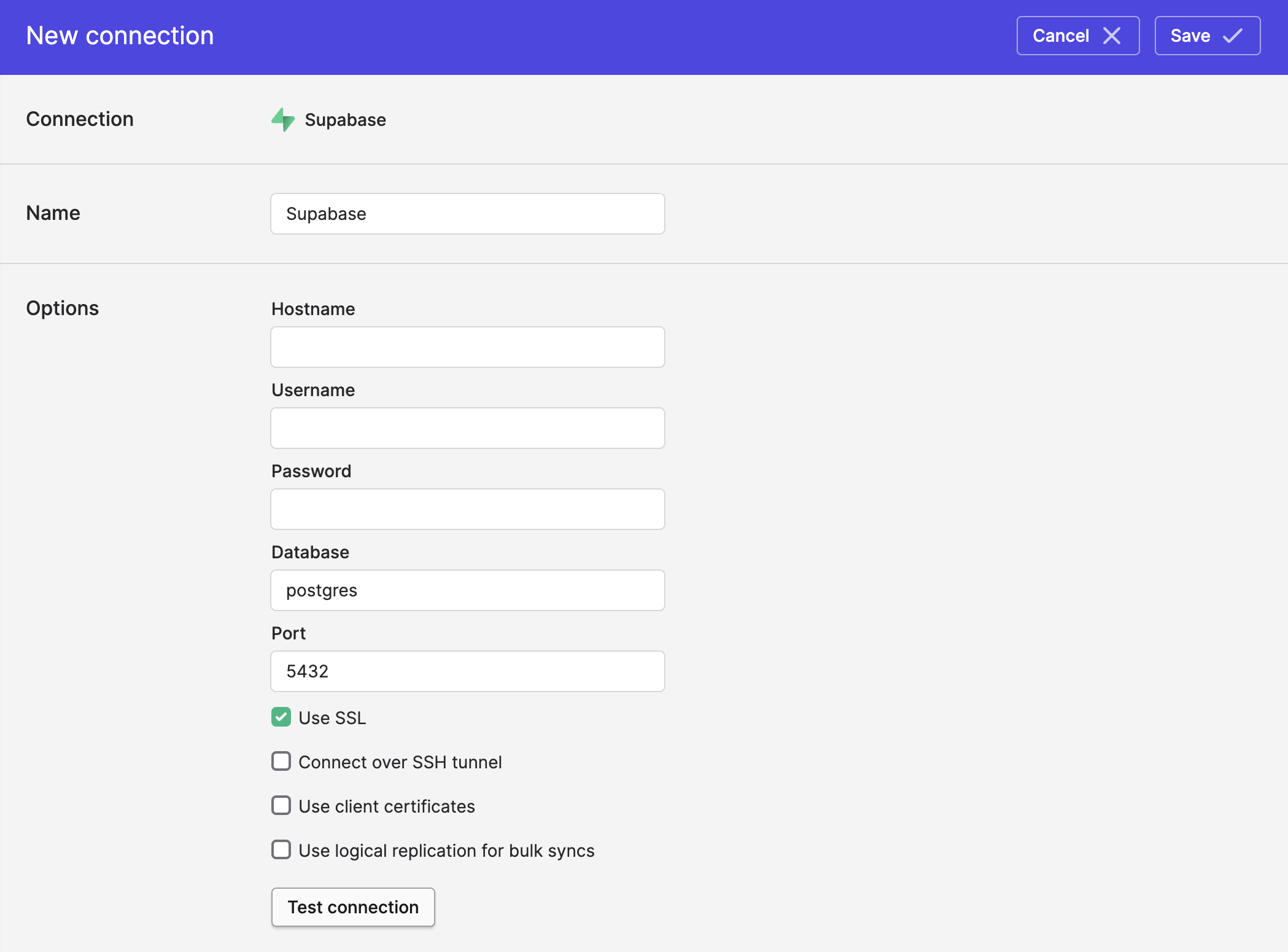
- Click Save.
Syncing from Supabase
Use Polytomic's Bulk Syncs to sync from Supabase to your data warehouses, databases, and cloud storage buckets like S3. If you would like to run logical replication streaming (CDC) from Supabase to these data stores, see instructions here (note: you must have the IPv4 Supabase add-on for this to work - see Step 2 above).
Use Model Syncs to sync from Supabase to your SaaS applications (e.g. CRMs), spreadsheets, and webhooks.
Syncing to Supabase
Use Bulk Syncs to sync to Supabase from your SaaS applications, databases, data warehouses, spreadsheets, and cloud storage buckets.
Use Model Syncs to sync custom SQL transformations from other database and data warehouses to Supabase.
Updated about 2 months ago