

Plain
Source and destination
Polytomic connects to Plain using a Plain API key:
-
Generate a Plain API key by following Plain's instructions.
-
In Polytomic, go to Connections → Add connection → Plain.
-
Enter your Plain API key.
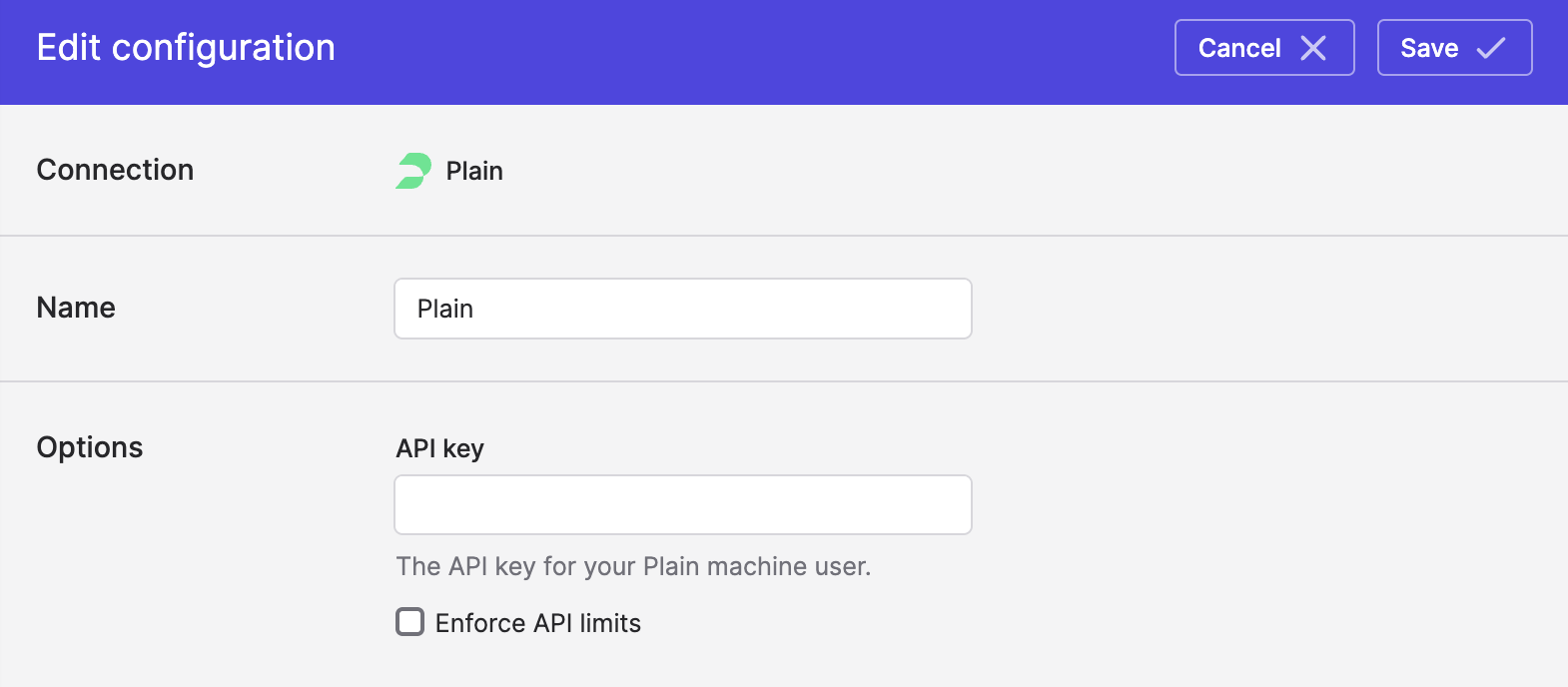
- Optional advanced: Polytomic automatically respects your Plain account's API limit, however if you would like to impose your own API limit on Polytomic, you can check the Enforce API limits box then enter a number:
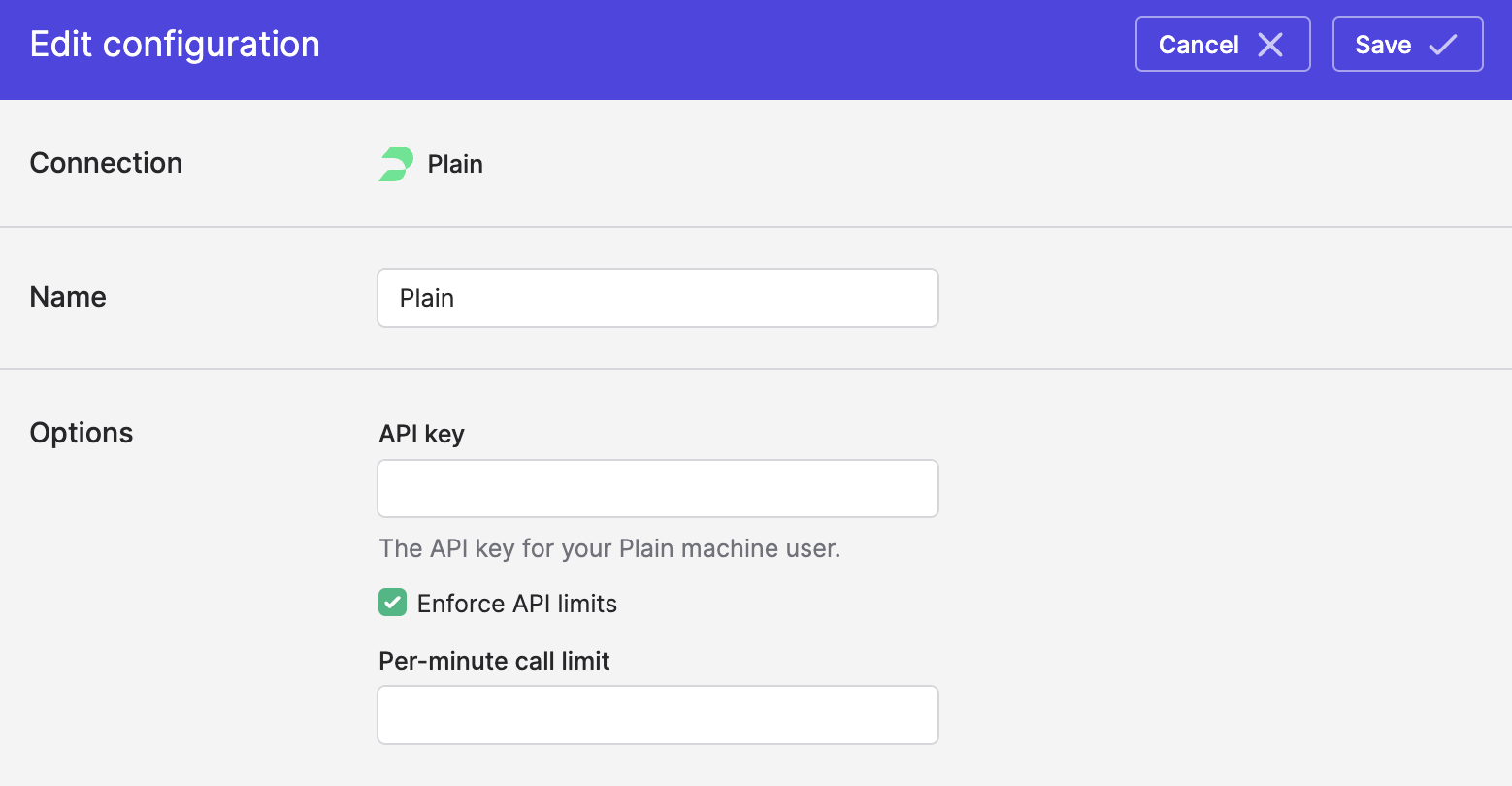
This will slow down Polytomic's syncs so make sure you have a good reason for setting this before doing so.
- Click Save.
Syncing from Plain
Use Bulk Syncs to sync your data from Plain to your data warehouses, databases, and cloud storage buckets like S3.
Use Model Syncs to sync to sync your data from Plain to your other SaaS apps (e.g. Salesforce, HubSpot, Attio, etc), spreadsheets, and webhooks.
Syncing to Plain
Use Model Syncs to Plain from your data warehouses, databases, SaaS apps, spreadsheets, APIs, and cloud storage buckets like S3.
Updated 4 days ago