

AWS CloudWatch Metrics
Source
Polytomic offers the following methods for connecting to Amazon CloudWatch:
- AWS Access Key ID and Secret
- AWS IAM role
Each method is covered in its respective section below.
Connecting with an AWS Access Key ID and Secret
- In Polytomic, go to Connections → Add connection → CloudWatch Metrics.
- For Authentication method, select Access Key and Secret:
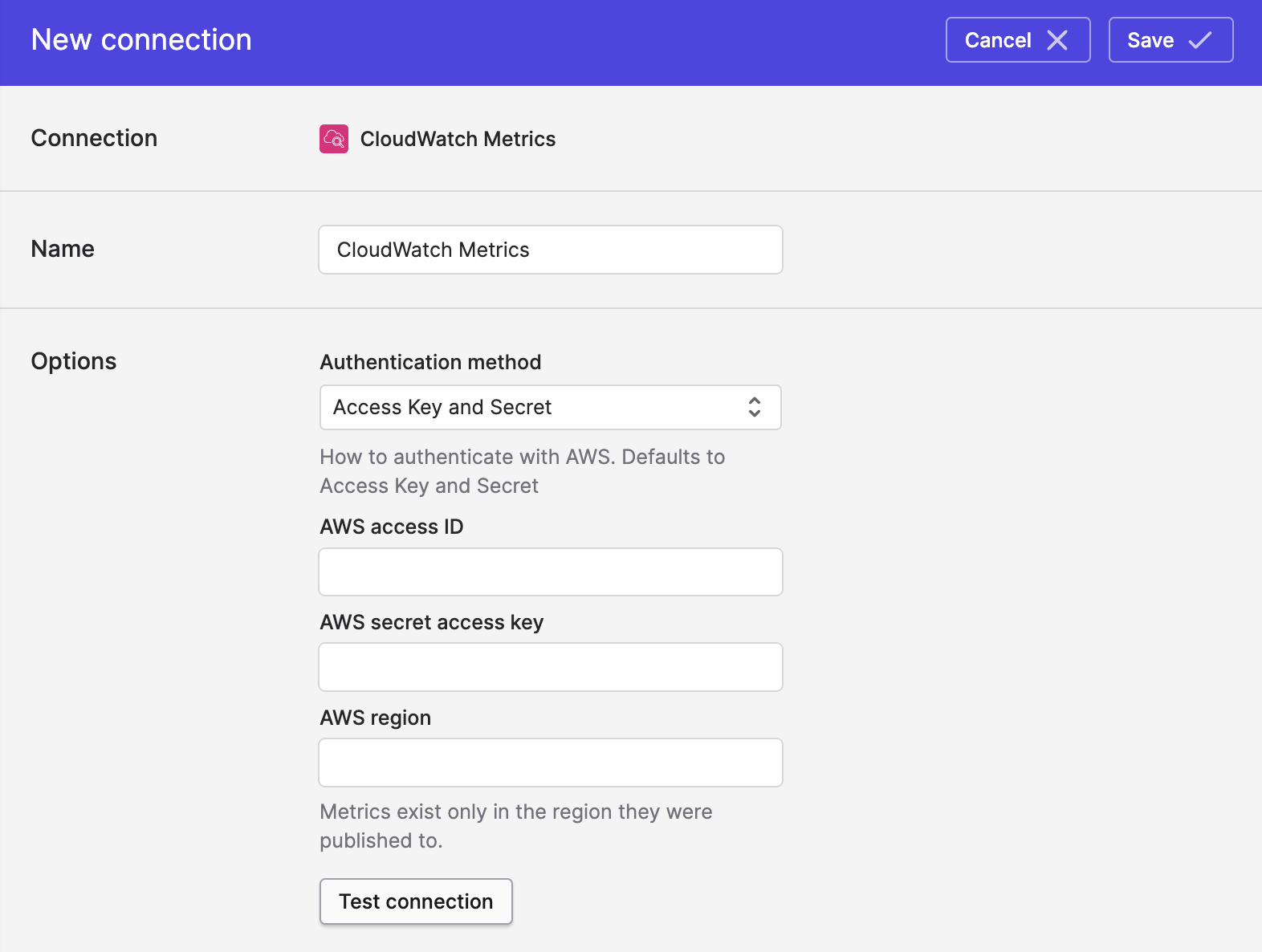
- Enter the following information:
- AWS Access ID
- AWS Secret Access Key
- AWS region (e.g.
us-west-1)
- Click Save.
Connecting with an AWS IAM Role
- In Polytomic, go to Connections → Add connection → CloudWatch Metrics.
- For Authentication method, select IAM role:
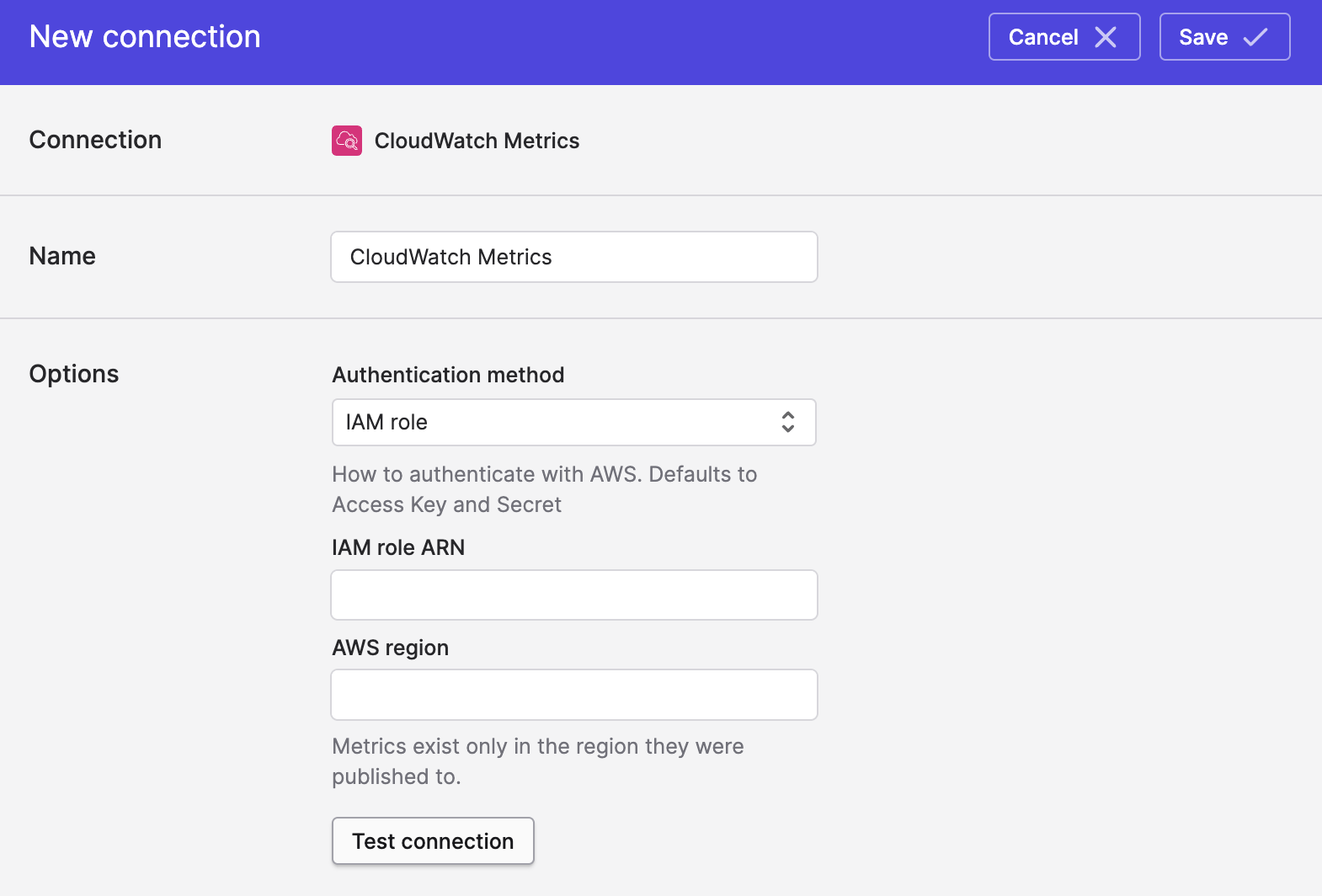
- Enter values for the following fields:
- IAM Role ARN.
- AWS region (e.g.
us-west-1).
- Click Save.
Updated about 2 hours ago