

AppsFlyer
Source
Polytomic connects to AppsFlyer using an AppsFlyer API token and Appsflyer App ID:
-
Generate an Appsflyer API token by following AppsFlyer's instructions (select API token as the token type).
-
In Polytomic, go to Connections → Add Connection → Appsflyer.
-
Paste your AppsFlyer API token and App ID in your Polytomic connection:
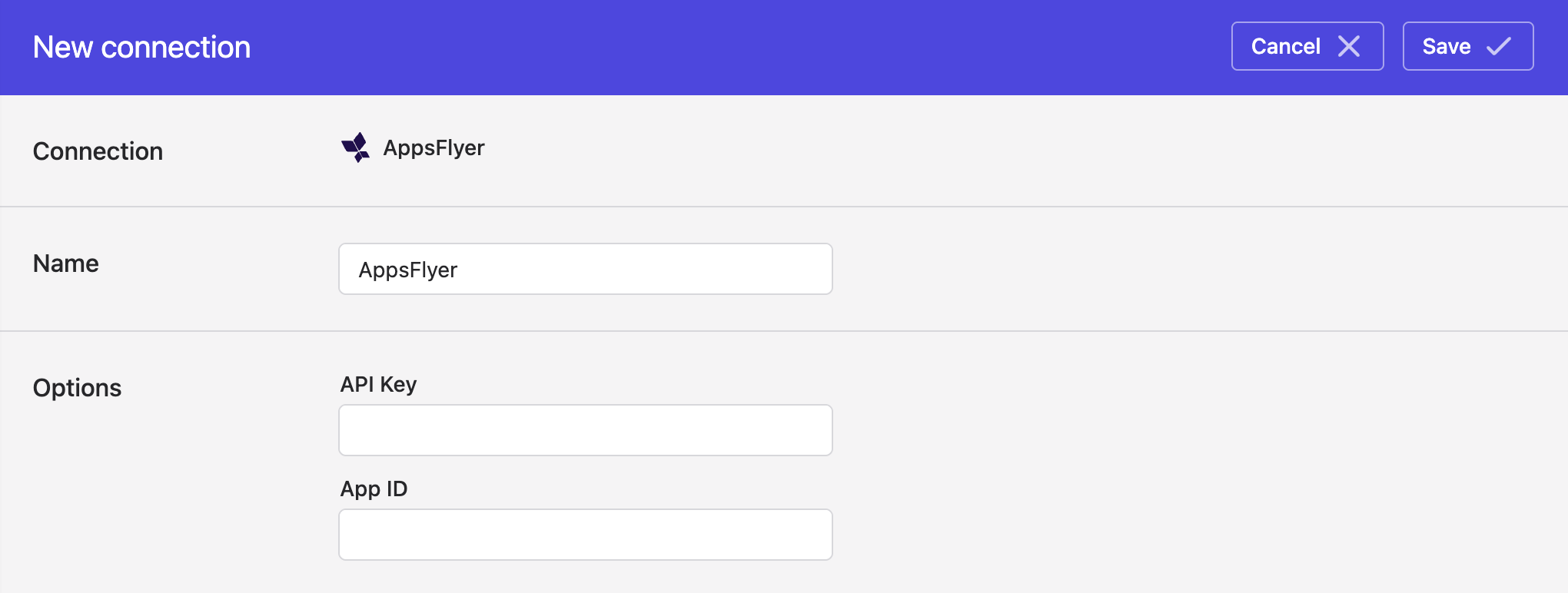
- Click Save.
Syncing from AppsFlyer
Use Bulk Syncs to sync AppsFlyer analytics reports to your data warehouses, databases, and cloud storage buckets like S3.
Updated 4 months ago