

Xero
Source
Polytomic authenticates to Xero using one of two methods:
- OAuth (recommended).
- Client credentials (use only if you want Polytomic to use your own Xero OAuth app).
- In Polytomic, go to Connections → Add Connection → Xero.
- Click Connect to Xero to authenticate to your Xero account:
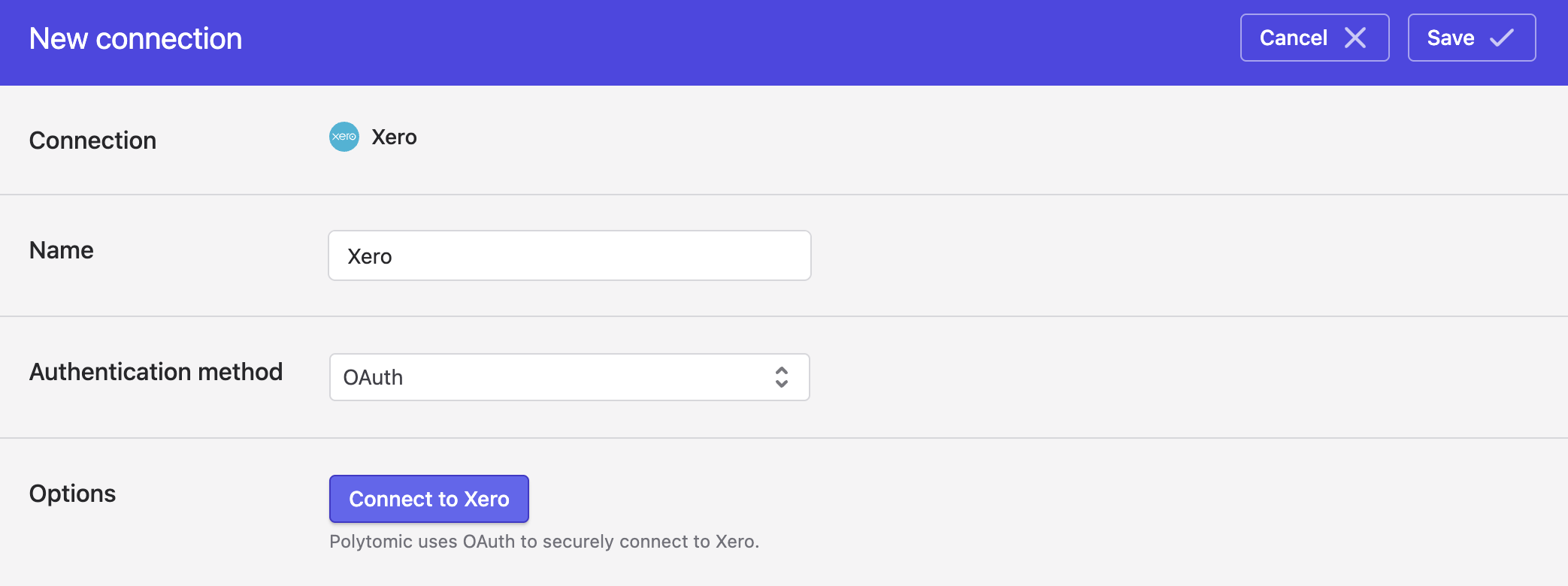
- Click Save.
Authenticating with Client Credentials
If you want to use your own Xero client credentials rather than Polytomic's OAuth, change the Authentication method dropdown above to Client credentials.
In your Xero app, be sure to at least enable the accounting.settings.read scope. Beyond that, enable the read scope for each collection you want Polytomic to sync from.
Syncing from Xero
Use Bulk Syncs to sync your Xero data to data warehouses, databases, and cloud storage buckets like S3.
Use Model Syncs to sync your Xero data to SaaS applications like Salesforce, Attio, Intercom, and others.
Updated 4 months ago