

Knock
Source
Polytomic connects to Knock using a Knock Service Token and/or a Knock Secret API Key. The Knock Service Token is used when syncing data from the management API; you can provide either or both. The objects available for syncing will be different based on whether you provide a single key or both.
-
In Polytomic, go to Connections → Add Connection → Knock.
-
Paste your Knock service token and/or API key in the corresponding field.
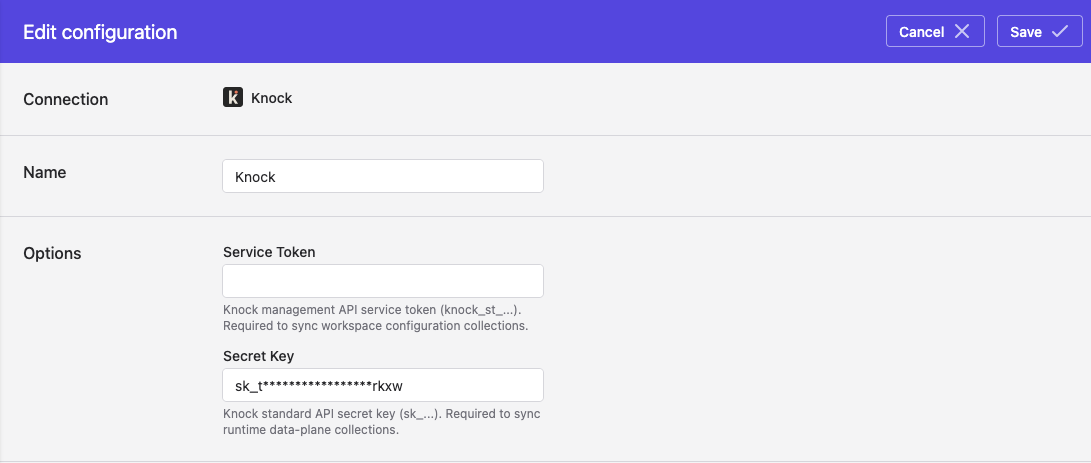
- Click Save.
Syncing from Knock
Use Bulk Syncs to sync from Knock to your data warehouses, databases, and cloud storage buckets like S3.
Use Model Syncs to sync from Knock to your SaaS applications, spreadsheets, and webhooks.
Updated 4 months ago