

Agent context documents
You can add agent context documents by going to the Agent context tab and clicking Add context:
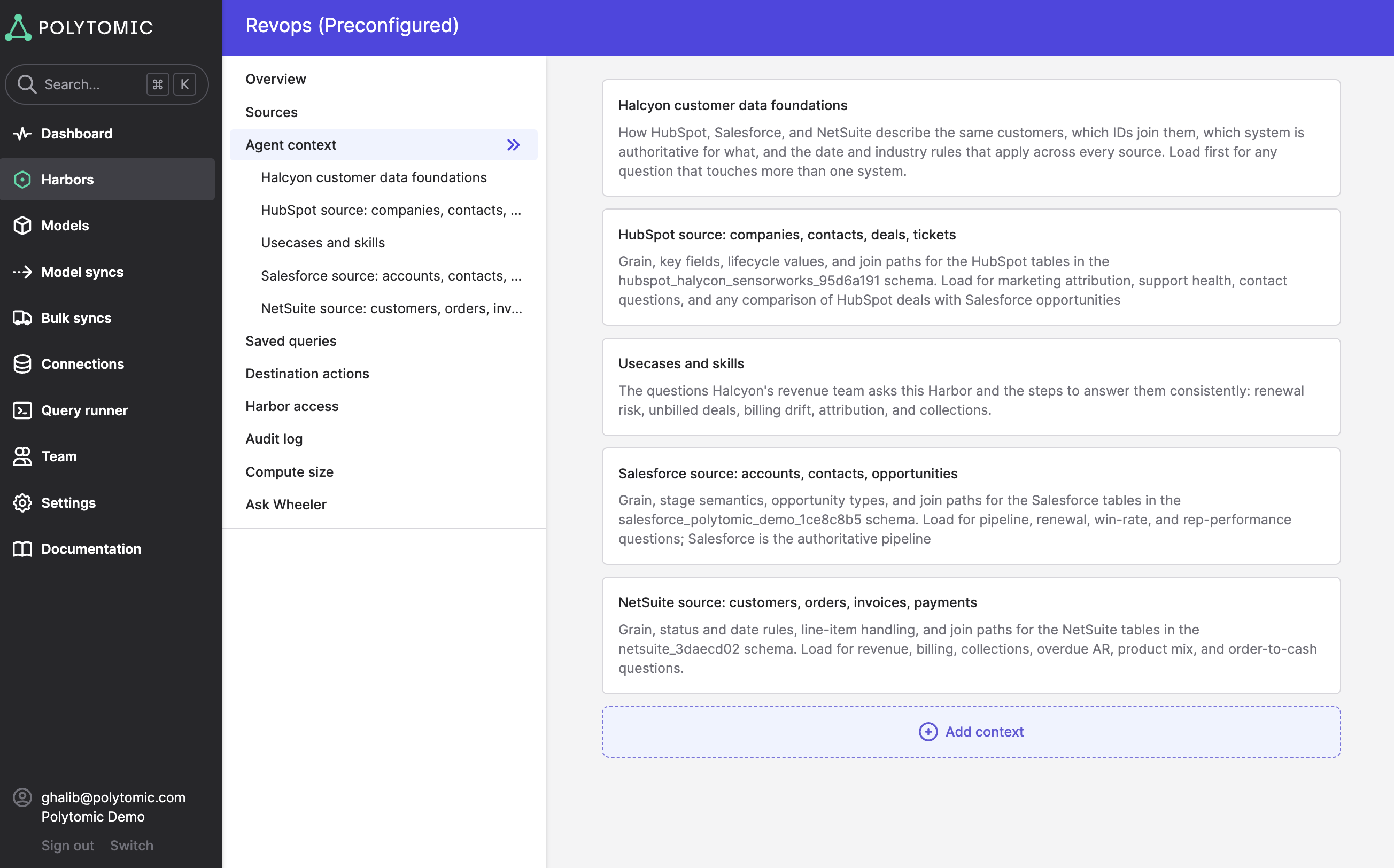
Doing this will result in all connecting agents (whether through Claude, ChatGPT, or other) being automatically aware of this context when answering questions, thus saving your users from having to each individually inform their agents of specific business context.
How much context to document
Due to the strength of today's AI models, you should not feel obliged to document every single piece of data in your Harbor. Rather, you should focus on the exceptions: bespoke definitions, descriptions of your business, data quirks, and a particular tone you want connecting agents to respond to their users with (if any).
Polytomic offers different templates of context documents that are presented upon clicking the Add context button:
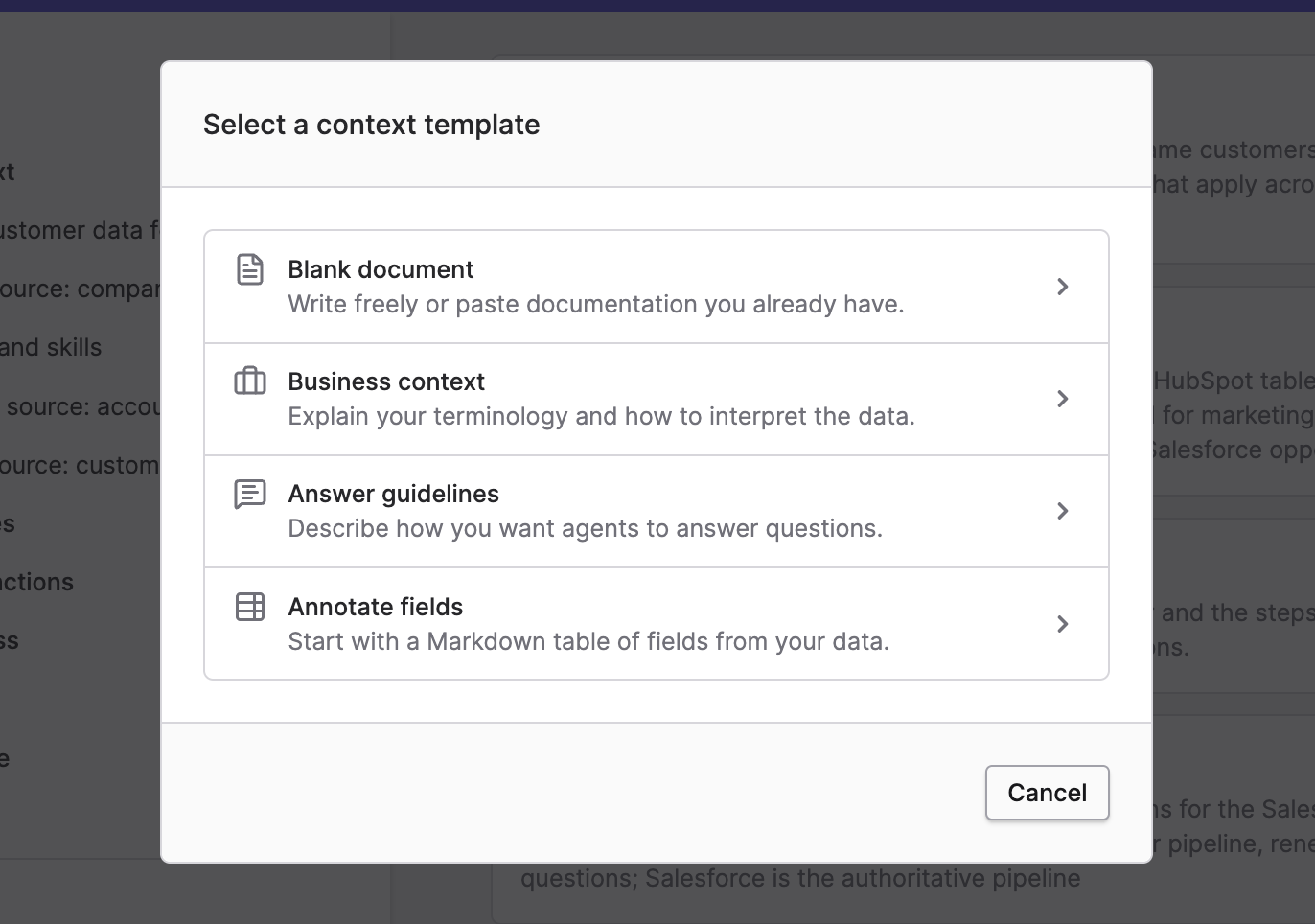
These templates are provided to help you organize your thoughts rather than for the benefit of connecting agents, as agents are smart enough to understand context without heavy formatting.
The Harbor agent context templates Polytomic offers are:
- Blank document: write with any structure of your choosing.
- Business context: specify terminology and data interpretation that is specific to your business or team process.
- Answer guidelines: specify a tone that connecting agents should adhere to when answering questions from your users.
- Annotate fields: enter a table of bespoke field annotations, descriptions, guidelines, and/or definitions for some of the fields in your Harbor (as mentioned previously, you should only focus on exceptions here rather than documenting everything).
Updated about 4 hours ago