

BILL
Source
Polytomic connects to BILL using these credentials:
- Developer key
- Organization ID
- AP & AR sync token
These credentials com from your BILL organization and you need the Administrator role to create them:
- In BILL, go to Settings → Sync & Integrations → Manage Developer Keys.
- Click Generate developer key, then review and accept the BILL developer terms of service. The key takes up to a minute to generate, so reload the page to see it. An administrator can hold up to four keys.
- Note the Organization ID shown at the bottom of that same page.
- Go to Settings → Sync & Integrations → Tokens, then click NEW.
- Enter a name for the token and click SAVE. Note both the name you entered and the token value BILL generated; Polytomic requires both.
- In Polytomic, go to Connections → Add connection → BILL:
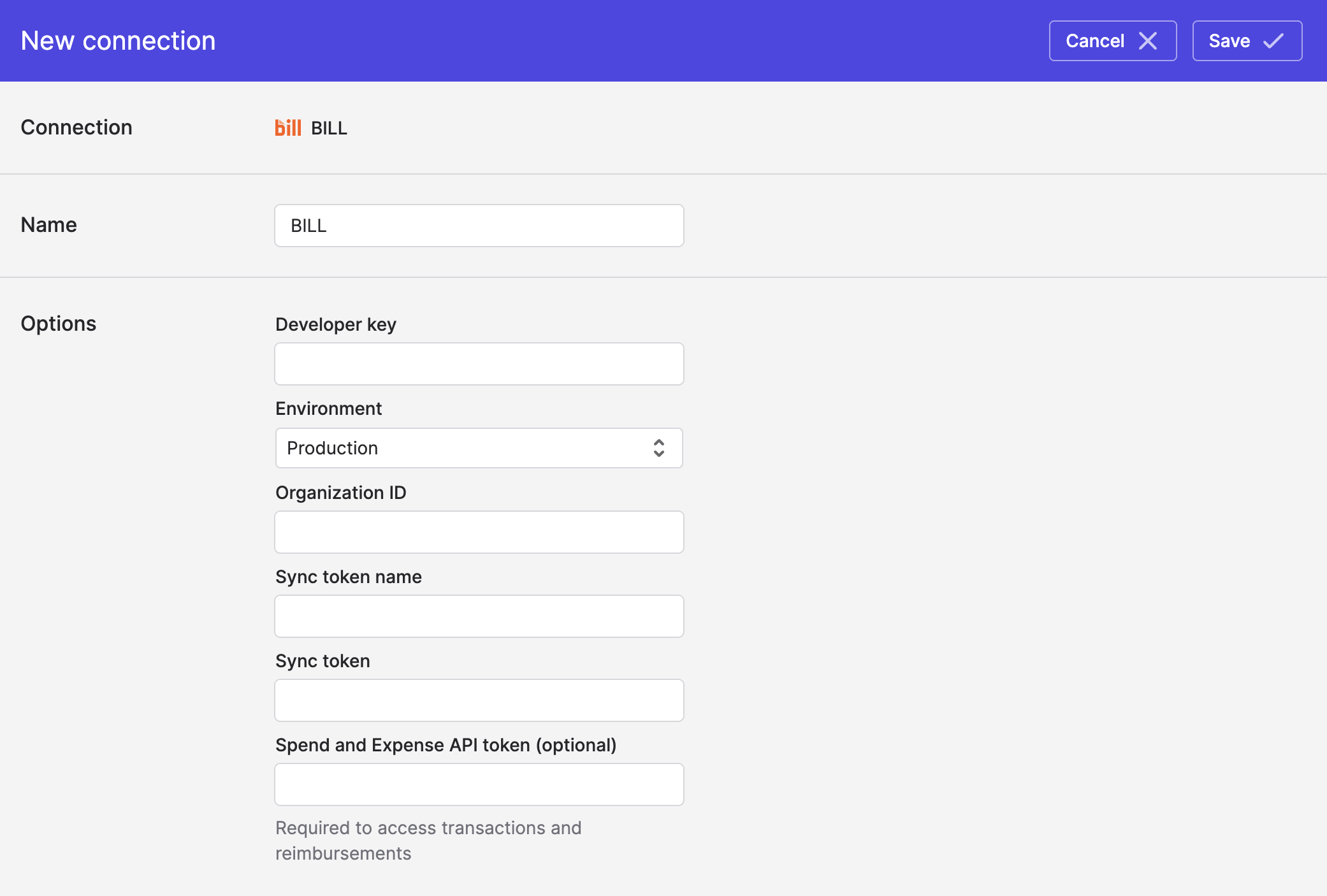
- Enter your developer key from Step 2, your organization ID from Step 3, and your sync token name and token value from Step 5.
- Set Environment to Production (or to Sandbox if you are connecting a BILL sandbox organization). Keys and tokens are specific to one environment and will not work in the other.
- If you would like to also pull transactions and reimbursements from BILL, enter you BILL Spend and Expense API token (instructions for generating this token are on BILL's site: https://help.bill.com/direct/s/article/6633616).
- Click Save.
Syncing from BILL
Use Bulk Syncs to sync data from BILL to your databases, data warehouses, and cloud storage buckets like S3.
Use Model Syncs to sync data from BILL to your SaaS applications, spreadsheets, and webhooks.
Updated 9 days ago