

Chameleon
Destination
Polytomic connects to Chameleon using a Chameleon secret token.
- Generate your Chameleon secret token by accessing your Chameleon dashboard: https://app.chameleon.io/settings/tokens.
- In Polytomic, go to Connections → Add Connection → Chameleon.
- Enter your Chameleon secret token in Polytomic's API key field:
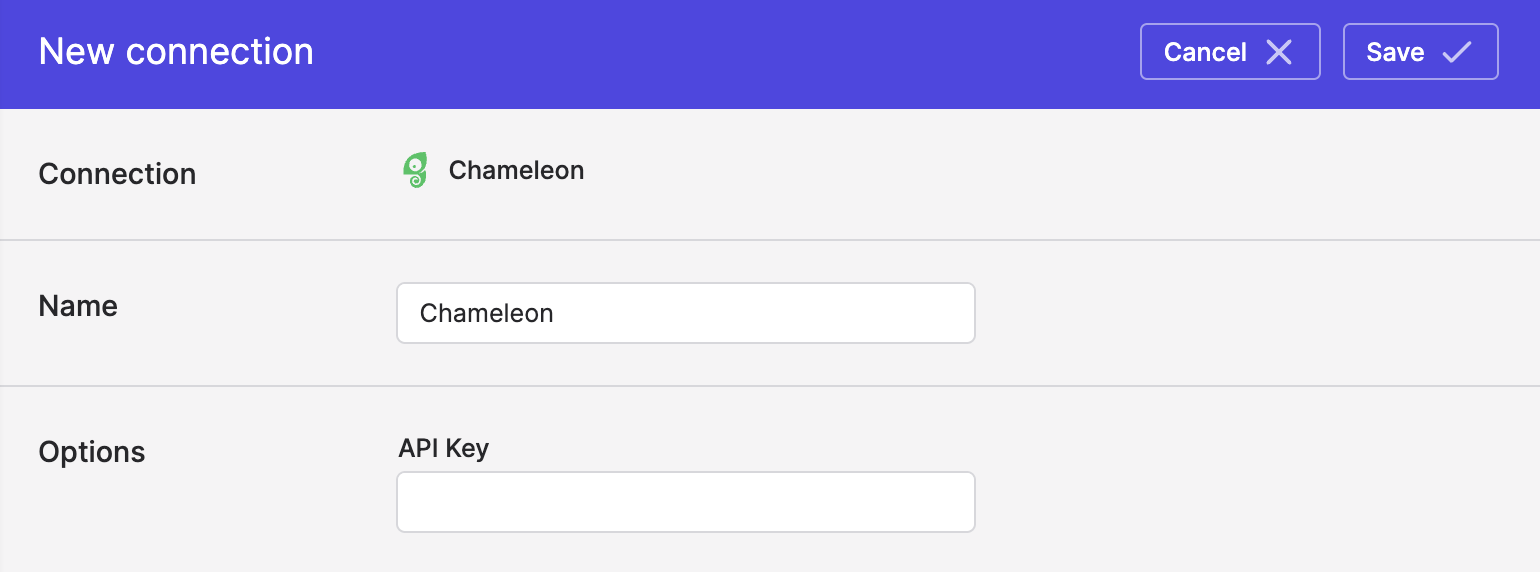
- Click Save.
Syncing to Chameleon
Use Model Syncs to sync users profiles and companies to Chameleon from your data warehouses, databases, SaaS applications like Salesforce, and spreadsheets.
User profile identity value
When syncing user profiles to Chameleon, you have the option of using email address as your identity value. If you do so, note that Chameleon will silently discard invalid email addresses but accept the rest of the attributes, thus potentially resulting in duplicate records created.
Especially if your source user profile data contains fake email addresses (i.e. test data), prefer mapping another unique source ID to Chameleon's UID field (i.e. custom ID field) as your identity mapping.
Creating new Chameleon attributes
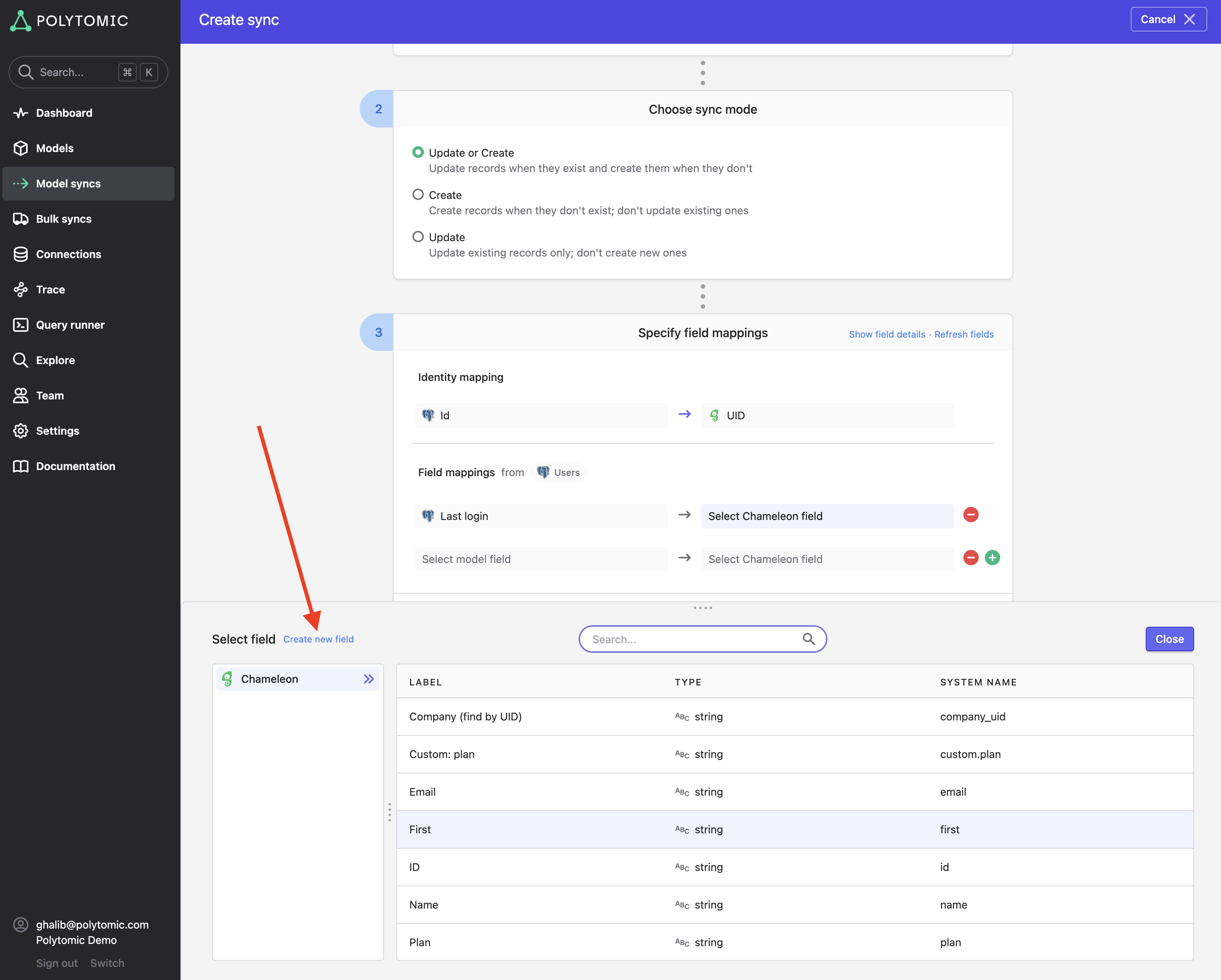
When syncing to Chameleon objects (user profiles and companies), you can add new properties to the destination object by clicking on the Create new field button in the top-left of your field drawer in Polytomic:
Updated 4 months ago