

Brevo
Destination
Polytomic connects to Brevo using a Brevo API Key.
-
Generate a Brevo API Key by following their instructions.
-
In Polytomic, go to Connections → Add Connection → Brevo:
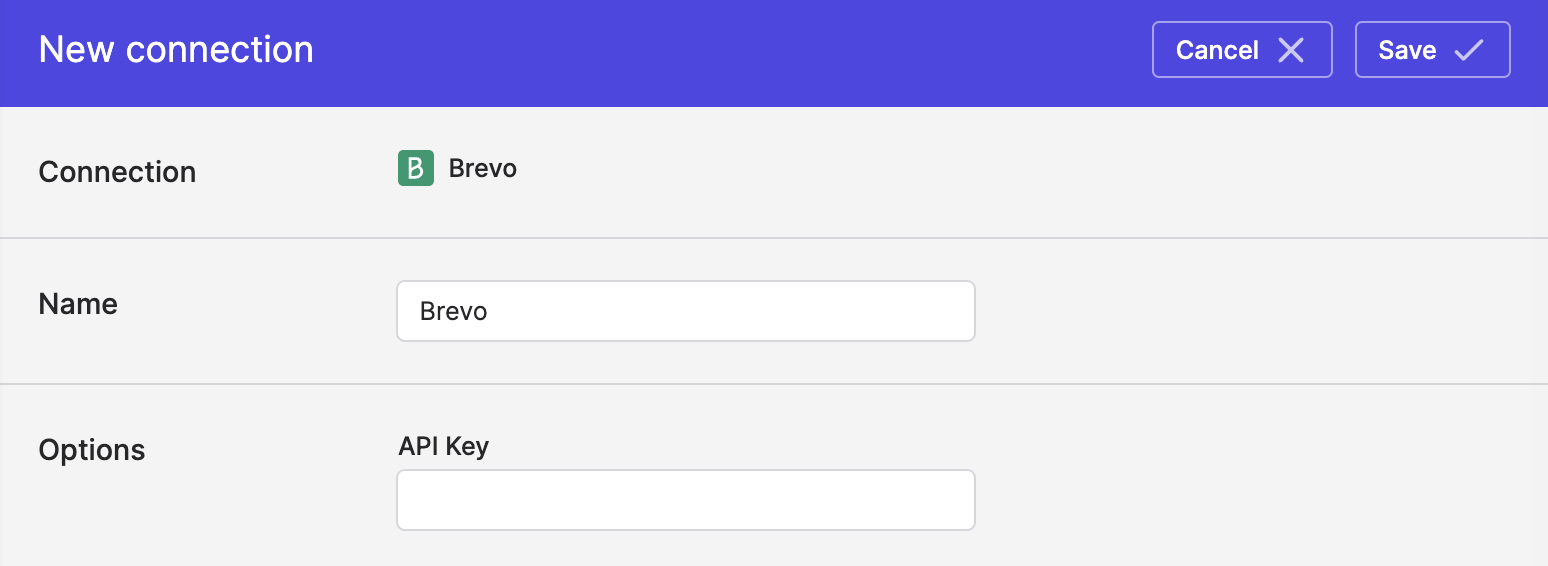
- Enter your Brevo API Key from Step 2.
- Click Save.
Syncing to Brevo
Use Model Syncs to sync to Brevo contacts, events, and lists from your databases, data warehouses, SaaS applications, spreadsheets, and APIs.
Updated 4 months ago