

Clazar
Source
Polytomic connects to Clazar using a Clazar Client ID and Client Secret:
-
Log in to Clazar and generate a Client ID and Client Secret.
-
In Polytomic, go to Connections → Add Connection → Clazar.
-
Paste your Clazar Client ID and Client Secret in Polytomic:
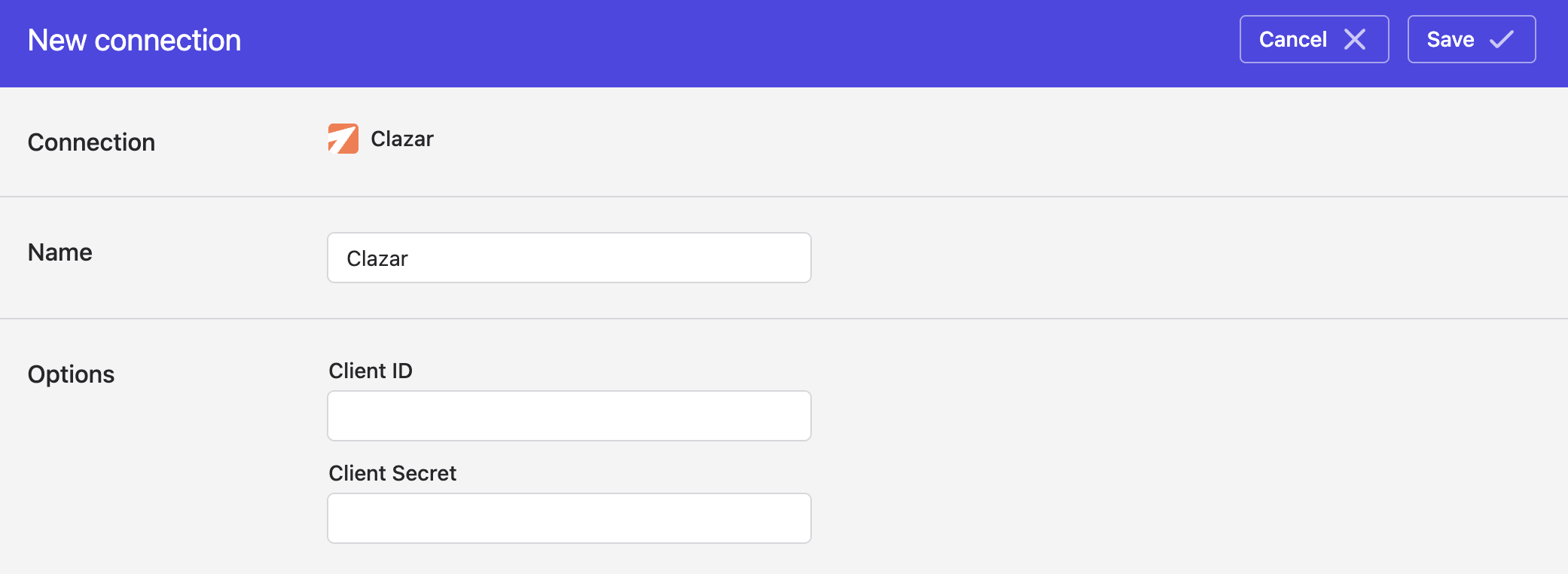
- Click Save.
Syncing from Clazar
Use Polytomic's Bulk Syncs to sync from Clazar to your data warehouses, databases, and cloud storage buckets like S3.
Use Polytomic's Model Syncs to sync from Clazar to your SaaS applications, spreadsheets, and webhooks.
Updated 4 months ago