

Seismic
Source
Polytomic connects to Seismic with an authorization code flow using these credentials from Seismic:
- Tenant ID
- Client ID
- Client Secret
You can generate these credentials as follows:
-
Generate your client ID and client secret by following the Steps section to create an app in Seismic's App Registration Portal: https://developer.seismic.com/seismicsoftware/reference/authorization-code-login#steps.
-
Enter this as the Redirect URL:
https://app.polytomic.com/connect/seismic. -
Obtain your tenant ID from your Seismic URL. For example, if your Seismic URL is
https://acme.seismic.com, your tenant ID isacme. -
In Polytomic, go to Connections → Add Connection → Seismic.
-
Paste your credentials form Steps 1 and 2 into your Polytomic Seismic connection:
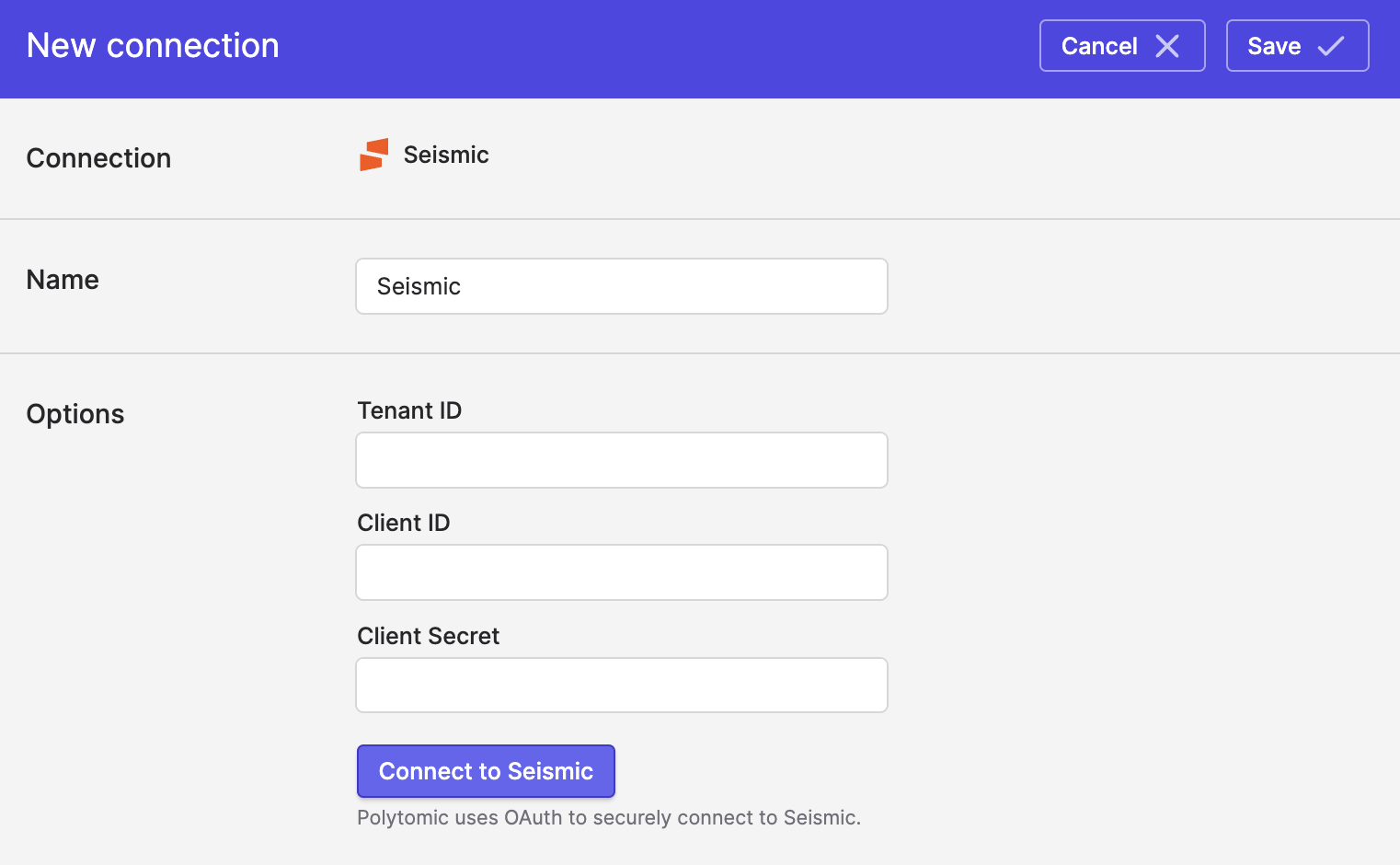
- Click Save.
Updated 3 months ago