

Rokt
Source and destination
Polytomic connects to Rokt using a Rokt API key and secret:
- In Polytomic, go to Connections -> Add connection -> Rokt.
- Enter your Rokt API key and secret in their respective fields.
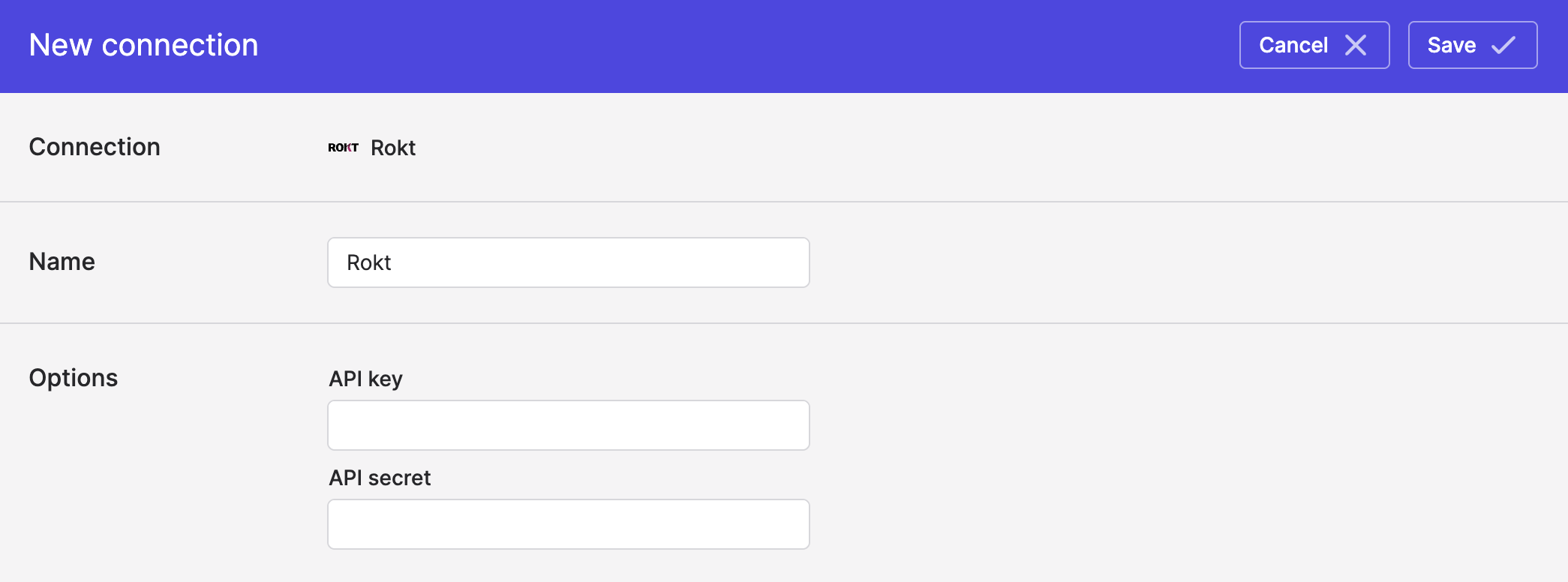
- Click Save.
Syncing to Rokt
Use Model Syncs to sync audiences and conversion events to Rokt from your data warehouses, databases, SaaS applications, spreadsheets, cloud storage buckets, and APIs.
Updated about 2 months ago