

Anaplan
Source and destination
Polytomic connects to Anaplan using one of two methods:
- Anaplan username and password
- Private application client ID and client secret
Connecting with a username and password
- In Polytomic, go to Connections → Add connection → Anaplan.
- Select Username and password as the authentication method.
- Enter your Anaplan username and password:
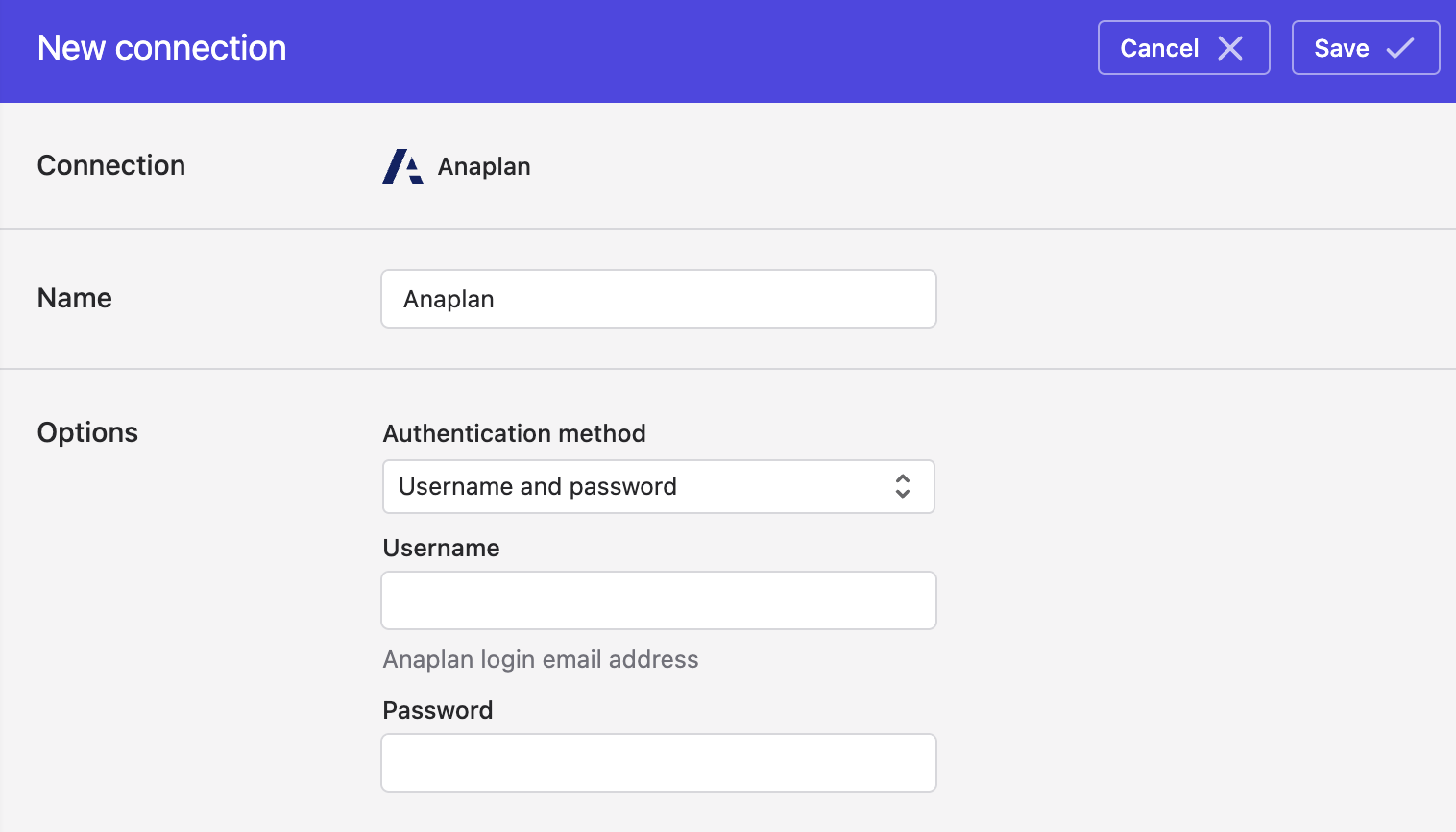
- Click Save.
Connecting with a private application
-
Create an OAuth client in Anaplan by following Anaplan's instructions. When entering the redirect URL in Anaplan's OAuth configuration, enter the value
https://app.polytomic.com/connect/anaplan. Also, ensure that you set the Refresh token behavior to Non-rotatable (see Step 6 at the botto of this page) . Record the resulting client ID and secret as you will be entering them in Polytomic. -
In Polytomic, go to Connections → Add connection → Anaplan.
-
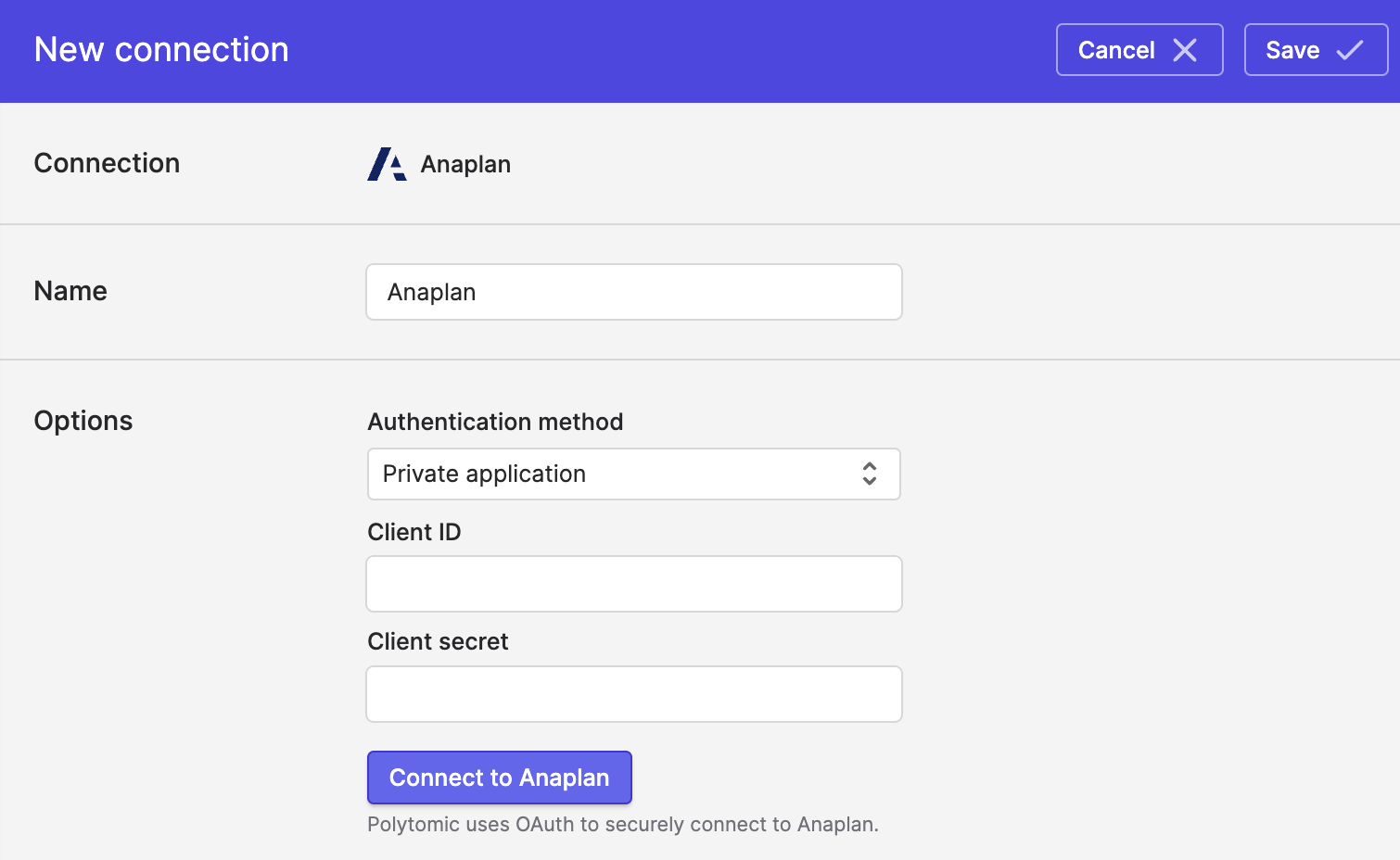
Select Private application as the authentication method:
-
Enter the client ID and secret from Step 1 above.
-
Click Save.
Updated 10 days ago