

Pylon
Source and destination
Polytomic connects to Pylon using a Profound API key:
- Generate your Pylon API key by going to your Pylon dashboard.
- In Polytomic, go to Connections → Add Connection → Pylon:
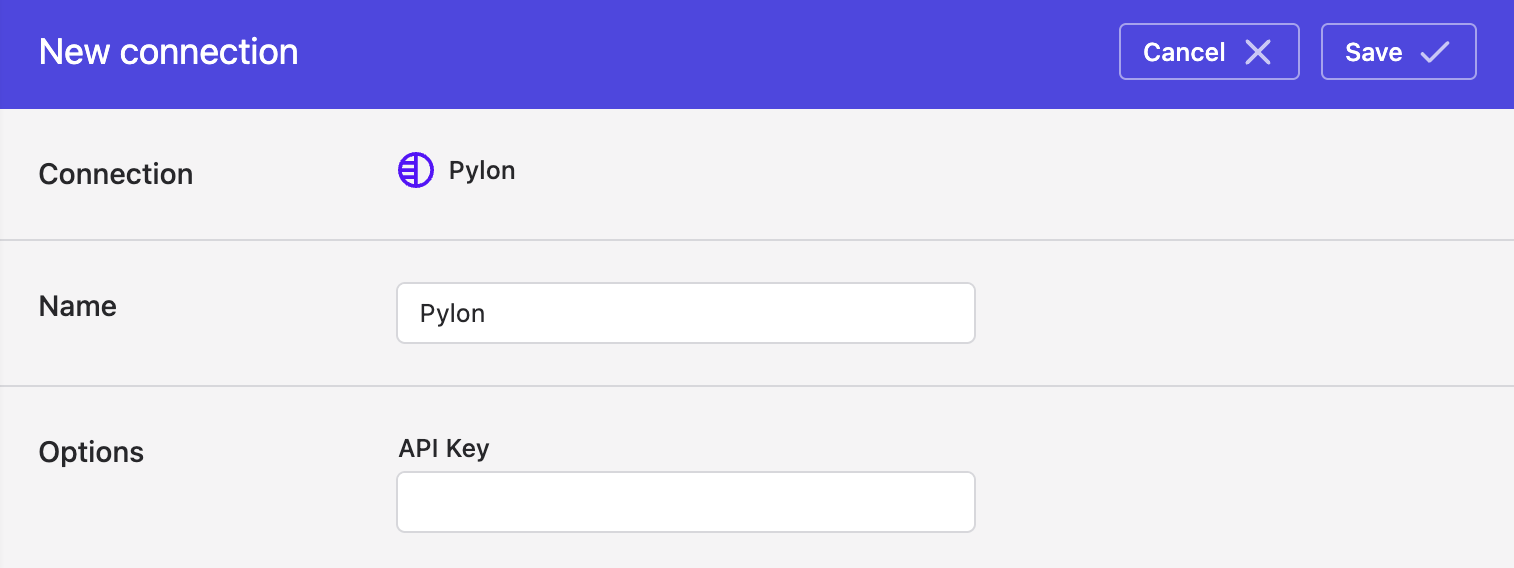
- Enter your Pylon API key from Step 1.
- Click Save.
Syncing from Pylon
Use Bulk Syncs to sync data from Pylon to your data warehouses, databases, and cloud storage buckets like S3.
Use Model Syncs to sync data from Pylon to SaaS applications (e.g. CRMs), spreadsheets, and webhooks.
Syncing to Pylon
Use Model Syncs to sync Contact and Company data to Pylon from your data warehouses, databases, SaaS applications, spreadsheets, APIs, and cloud storage buckets like S3.
Updated 2 months ago