

Granola
Source
Polytomic connects to Granola using a Granola API key. Note that this connection will not work if you are on the Basic Granola subscription plan; you need to be on either the Business or Enterprise plans.
-
In Granola, generate your API key by going to Settings → Connectors → API keys.
-
In Polytomic, go to Connections → Add connection → Granola.
-
Enter your Granola API key from Step 1:
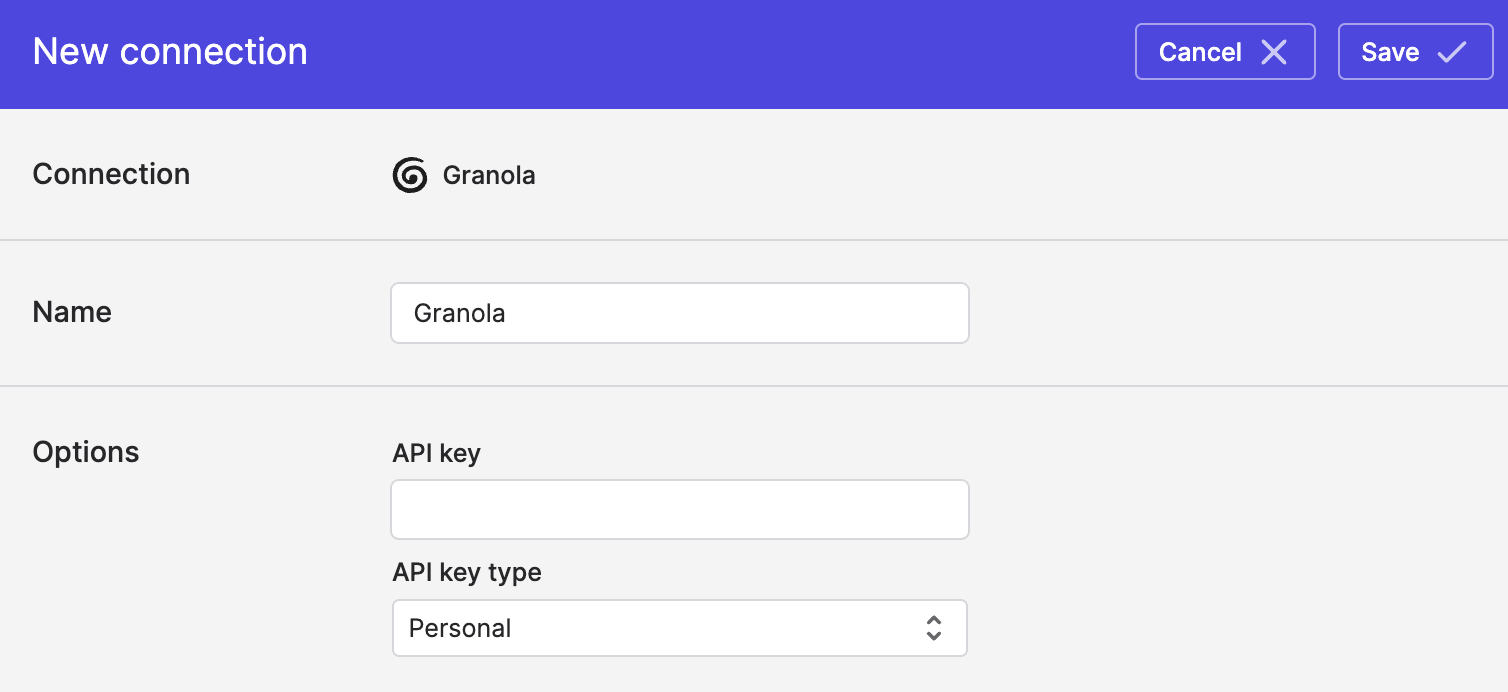
- Click Save.
Syncing from Granola
Use Bulk Syncs to sync meeting data and transcripts from Granola to your data warehouses, databases, and cloud storage buckets like S3.
Updated about 7 hours ago