

PlanetScale Vitess
Source and destination
Polytomic connects to PlanetScale Vitess using database credentials:
-
In PlanetScale, create a password for the database branch you want to connect to. Use a password with the Read-only role if you're only syncing from PlanetScale. If Polytomic also writes to it, use an Admin password: Polytomic creates and alters tables, which the Read/write role doesn't allow.
-
If you need to whitelist Polytomic's IP addresses for connecting to your PlanetScale Vitess instance, see Whitelist IPs.
-
In Polytomic, go to Connections → Add connection → PlanetScale Vitess.
-
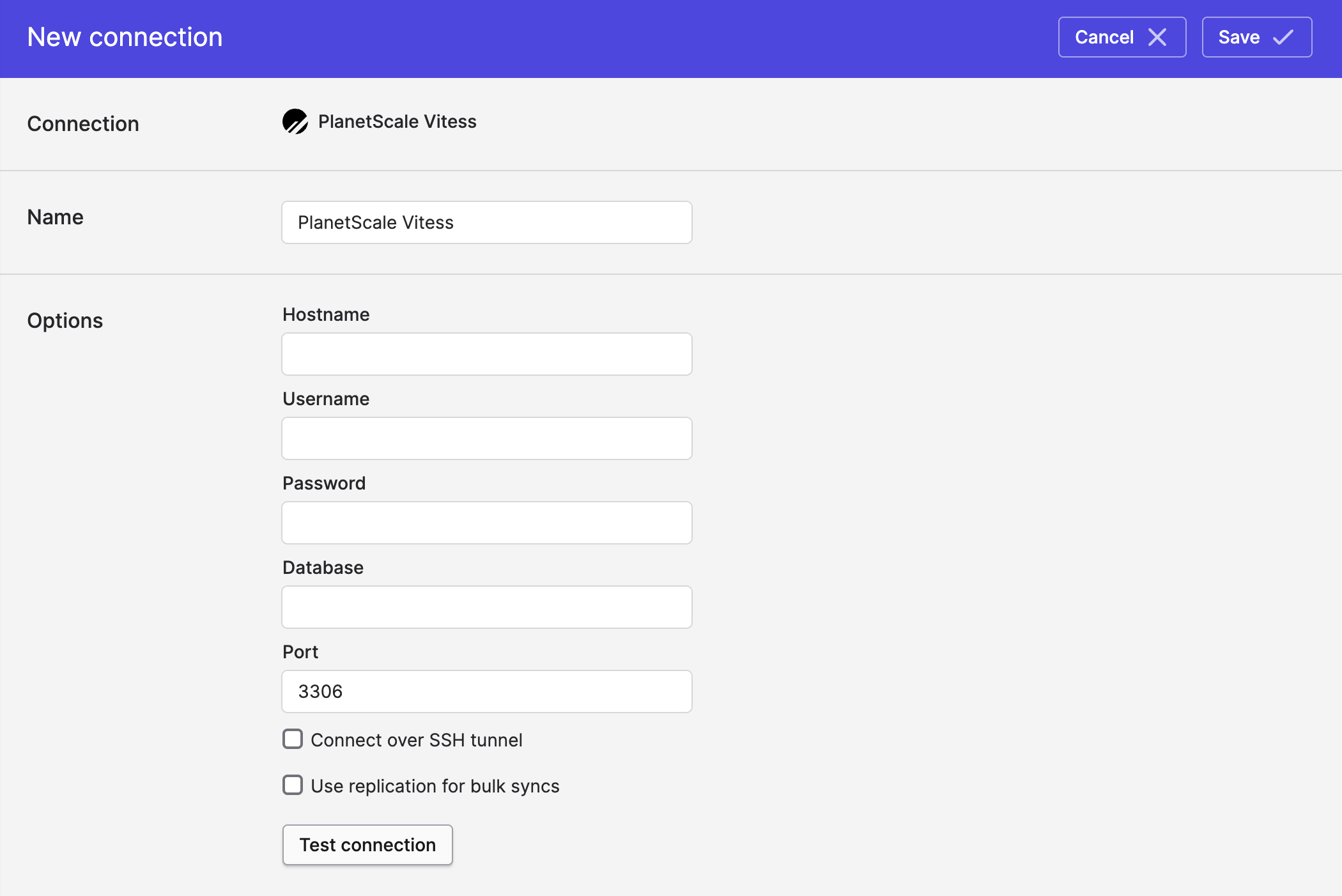
Enter your PlanetScale Vitess connection details:
- Hostname, Username, and Password from the PlanetScale password you created.
- Keyspace — the keyspace (database) to connect to. A connection reads from and writes to a single keyspace.
- Port — defaults to
3306. - Tablet type — which tablets Polytomic reads from: Primary (default), Replica, or Read-only (rdonly). Reading from replicas reduces load on your primary. You can also enter a Vitess target such as
mykeyspace@replicain the Keyspace field, which overrides this setting. Writes require the Primary tablet type.
-
To sync from Vitess using CDC (change data capture) streaming, check Use replication for bulk syncs. CDC streams changes over vtgate's gRPC interface on port
443of the same hostname, in addition to the MySQL port. Both ports must be reachable from Polytomic. -
Click Save.
All connections to PlanetScale use TLS.
Connecting via SSH
Polytomic supports connecting to PlanetScale Vitess via an SSH tunnel. See Connecting via an SSH tunnel for more information. When CDC is enabled, your SSH host must be able to reach both the MySQL port and port 443 on the PlanetScale hostname.
Schema changes with CDC
Some schema changes affect changes made shortly before them that Polytomic hasn't read yet:
- Adding a column anywhere other than the end of a table.
- Changing a column's type.
- Dropping a column.
Polytomic can't match those changes to the table's columns. It stops replication with an error, and you must resync the affected tables.
Avoid resyncs with schema version tracking
To avoid these resyncs, enable schema version tracking on each keyspace that Polytomic reads from. With tracking on, Polytomic reads changes made before a schema change using the columns the table had when the change was made.
To enable tracking, set these VTTablet parameters for each keyspace on the branch Polytomic connects to. See PlanetScale's cluster configuration parameters for where to set them.
track_schema_versions: on.schema-version-max-age-seconds: longer than any period your syncs might be paused or behind. We recommend at least 7 days (604800).
Tracking starts when you enable itSchema versions are recorded from the moment you enable tracking. Changes made before then, or older than
schema-version-max-age-seconds, are read using the table's current columns.
Syncing from PlanetScale Vitess
Use Bulk Syncs to sync from PlanetScale Vitess to your data warehouses, other databases, and cloud storage buckets like Amazon S3, Google Cloud Storage, and Azure Blob Storage.
Use Model Syncs to sync and ETL from PlanetScale Vitess to SaaS applications like Salesforce and others, spreadsheets, and webhooks.
Syncing to PlanetScale Vitess
PlanetScale Vitess can also be a destination for Bulk Syncs and Model Syncs. Polytomic creates new tables in the connection's keyspace. You must create the keyspace itself in PlanetScale.
Safe migrations aren't supportedPolytomic creates and alters tables directly, so it can't write to a production branch with safe migrations enabled. PlanetScale blocks direct schema changes on those branches, even for Admin passwords.
Updated 4 days ago