

SAP Business One for HANA
Source
Polytomic connects to SAP Business One for HANA using an ODBC connection.
IP whitelistingIf you need to whitelist Polytomic's IP addresses for access to your SAP Business One instance, you can find the list of addresses here: https://docs.polytomic.com/docs/whitelist-ips.
- In Polytomic, go to Connections → Add connection → SAP Business One for HANA.
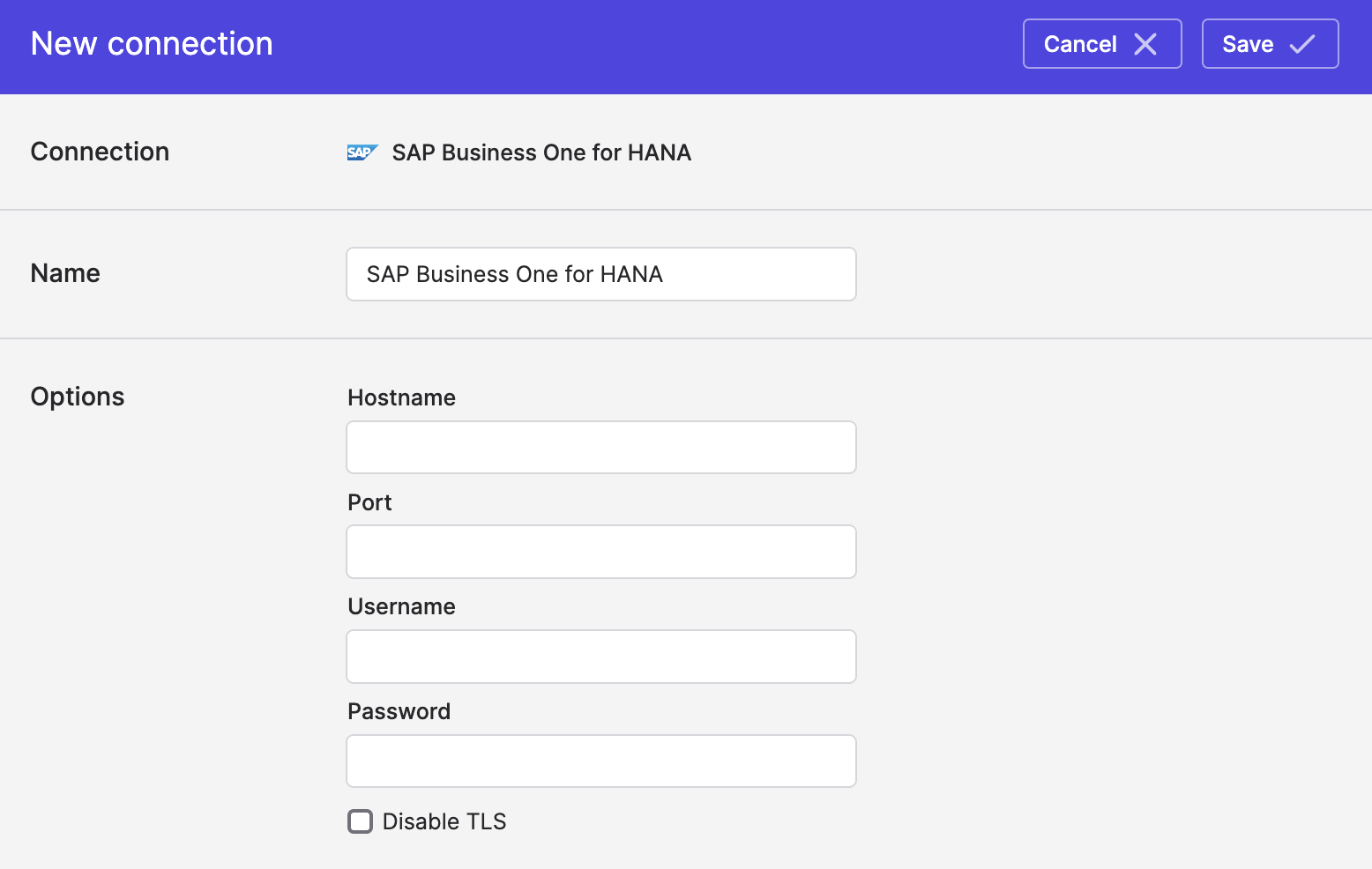
- Enter your hostname, port, username, and password:
- Click Save.
Syncing from SAP Business One for HANA
Use Bulk Syncs to sync from SAP Business One for HANA to your data warehouses, databases, and cloud storage buckets.
Use Model Syncs to sync from SAP Business One for HANA to your SaaS applications, spreadsheets, and webhooks.
Updated about 20 hours ago