

Brex
Source
Polytomic connects to Brex using a Brex API Key.
-
Generate a Brex API Key by signing in to your Brex dashboard as an account admin then go to Developer → Settings → Create Token. Be sure to enable all the scopes that say
readandreadonly. -
In Polytomic, go to Connections → Add Connection → Brex:
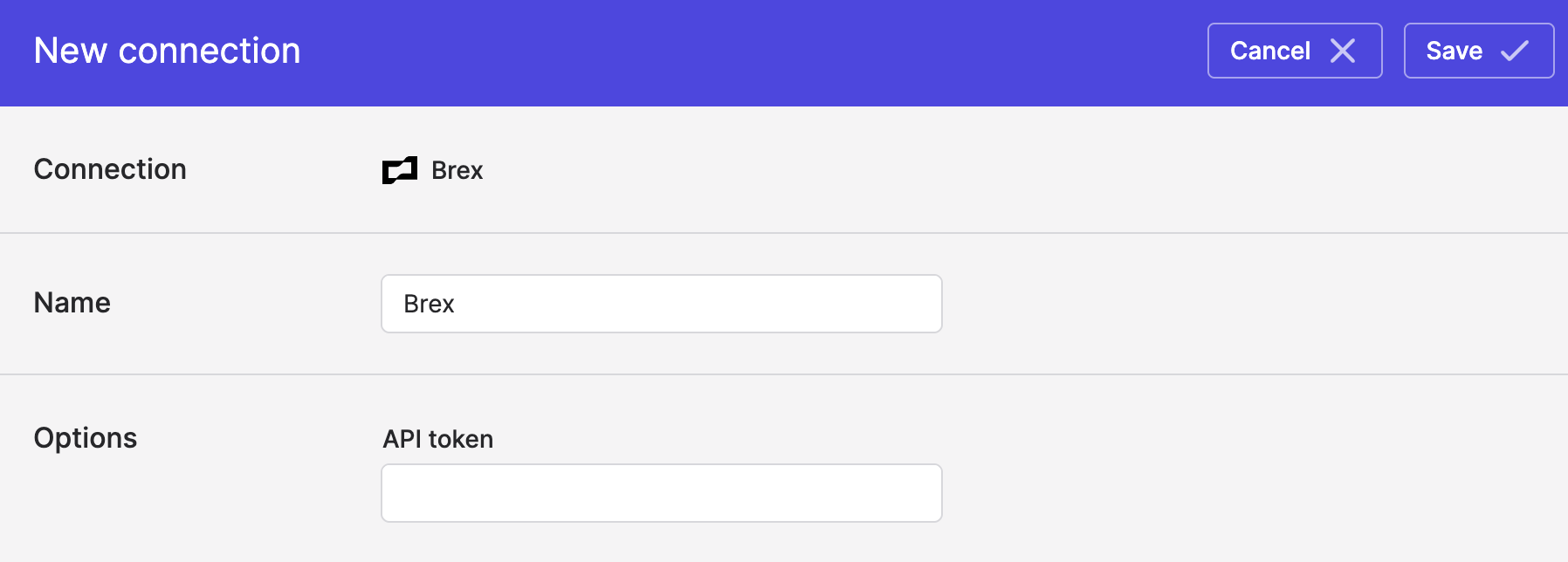
- Enter your Brex API Key from Step 1.
- Click Save.
Syncing from Brex
Use Bulk Syncs to sync from Brex to your data warehouses, databases, and cloud storage buckets like S3.
Updated about 2 months ago