

Polytomic timestamp columns
By default, Polytomic will create three datetime columns in your destination store for each bulk sync table:
_polytomic_created_at: the datetime on which Polytomic created the row. Note that for cloud storage bucket destinations like S3 where a new file is written on every sync run, this datetime will update on every run even if the file isn't actually new from the source._polytomic_updated_at: the datetime on which Polytomic updated the row._polytomic_deleted_at: the timestamp on which Polytomic first detected that this row was hard-deleted in the source. Note that this detection may occur before a sync run if CDC (Change Data Capture) is enabled at the source, as Polytomic's CDC ingester is a separate proces from that which writes the data to its destination. Note that if the source row is soft-deleted, this column will remain marked asnull.
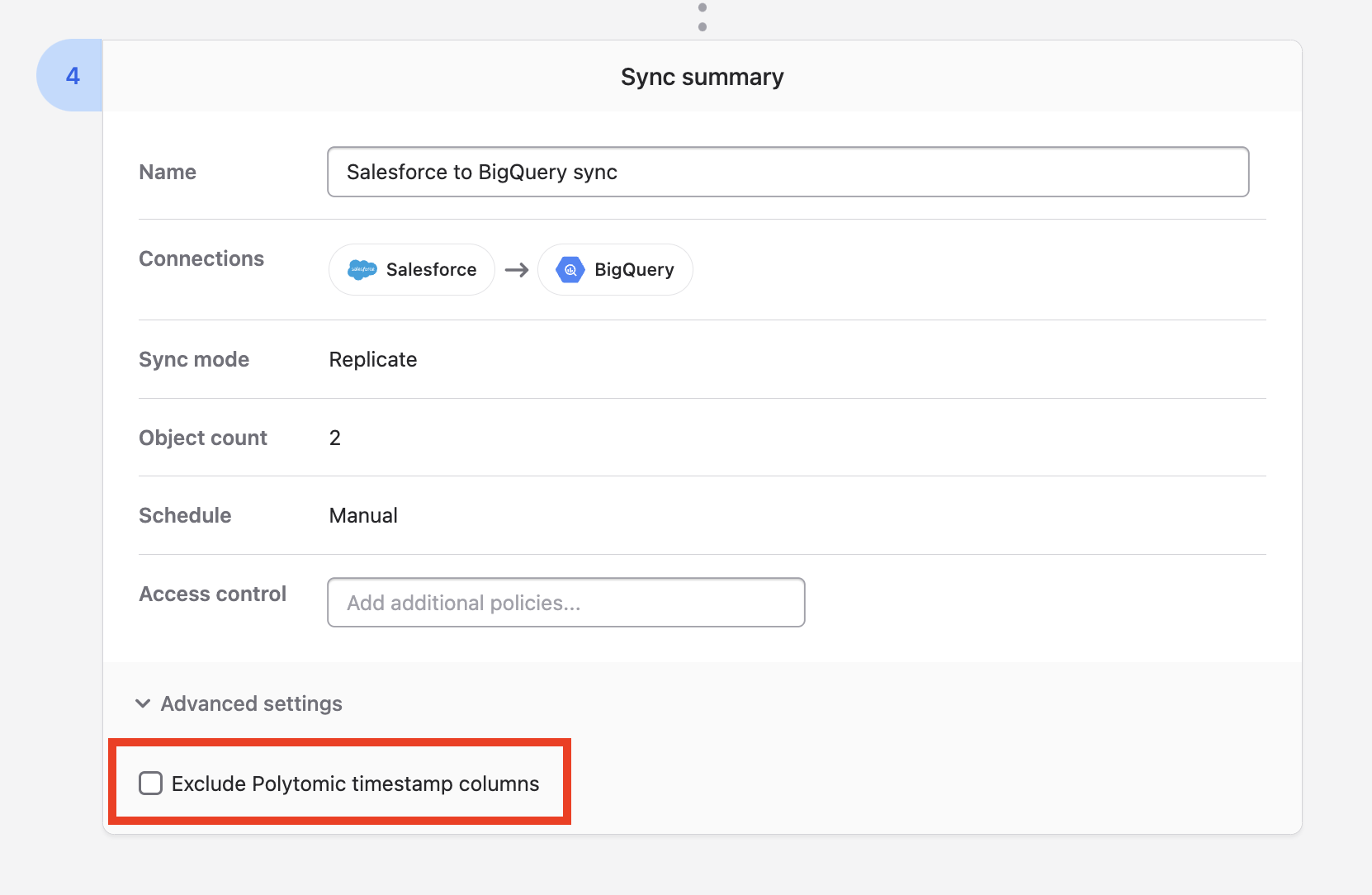
You can turn off the writing of these columns by going to Advanced settings in Stage 4 of your sync configuration and ticking the Exclude Polytomic timestamp columns box.
Updated 22 days ago