

Iterable
Destination
-
In Iterable, obtain a Standard (server-side) Iterable API key by going to Integrations → API Keys → New API Key. For more detail please review Iterable's instructions.
-
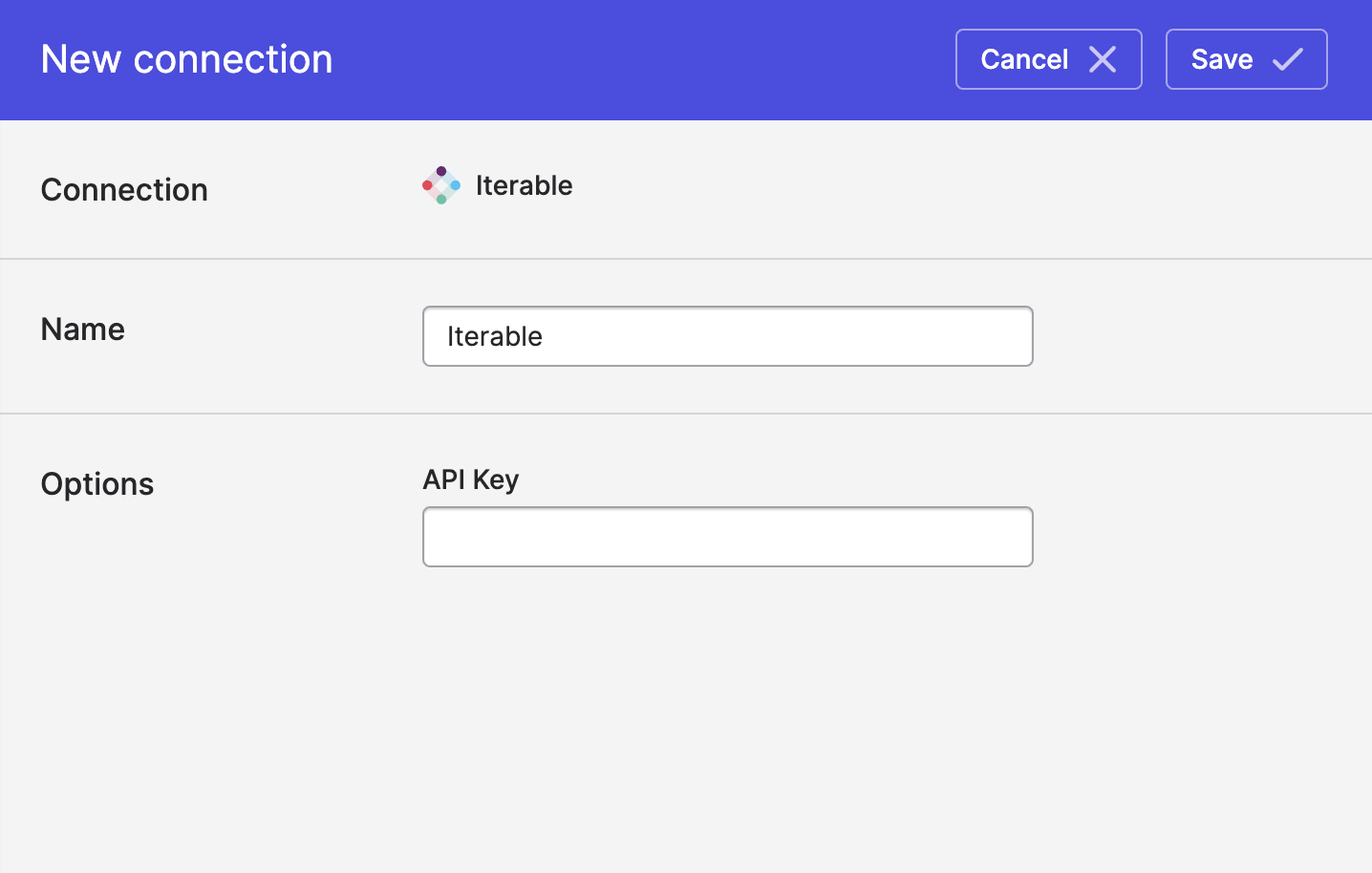
In Polytomic, go to Connections → Add Connection → Iterable.
-
Paste your Iterable API key in Polytomic's API key field.
-
Click Save.
Updated 4 months ago