

Amazon Keyspaces
Source
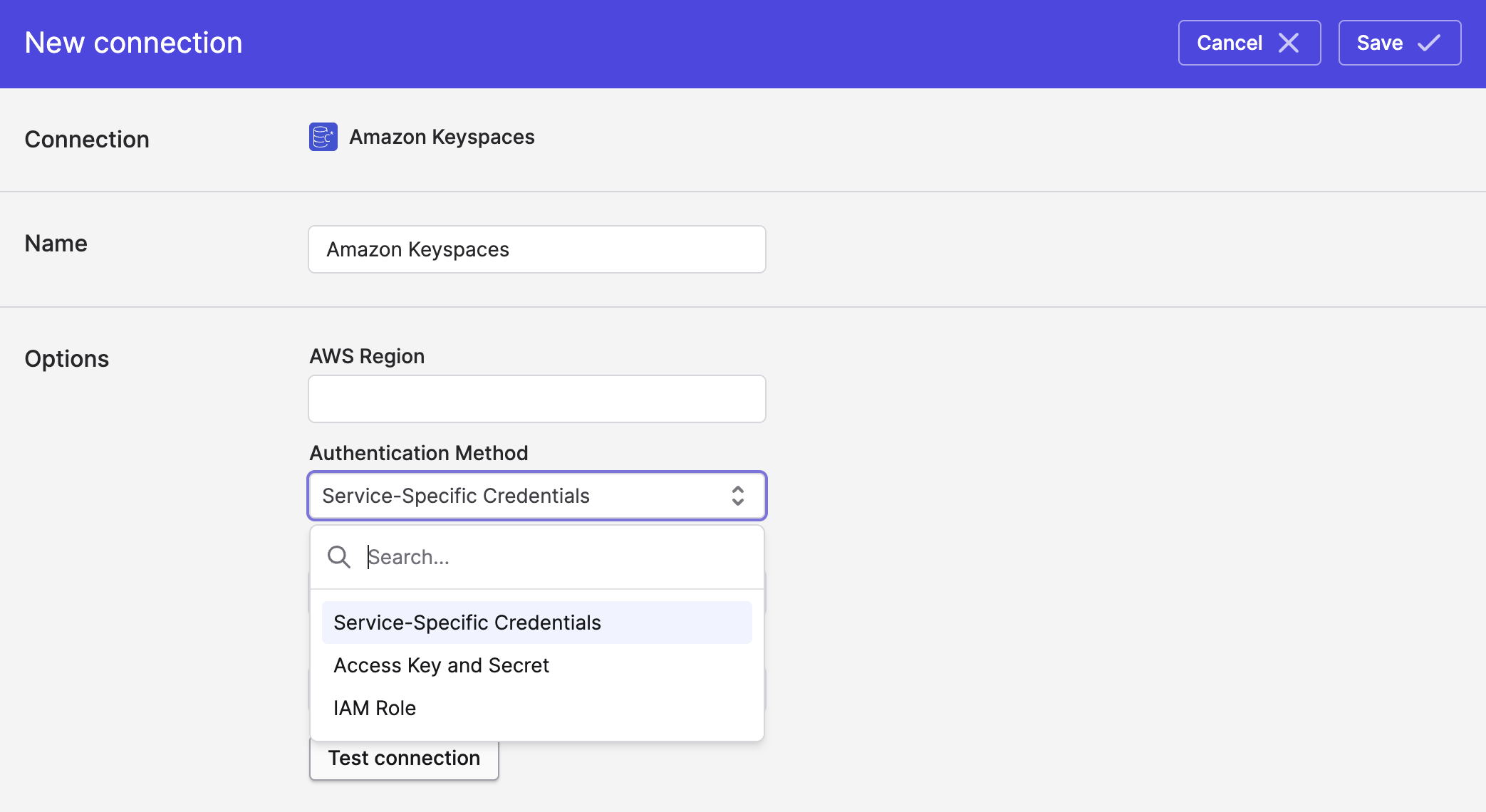
Polytomic connects to Amazon keyspaces using one of three methods:
- Service-specific credentials (see Amazon's documentation on this here ).
- AWS Access Key and Secret.
- AWS IAM role.
-
In Polytomic, go to Connections → Add Connection → Amazon Keyspaces.
-
Enter your AWS region.
-
Select your Keyspaces authentication method and enter its details:
- Click Save.
Syncing from Amazon Keyspaces
Use Bulk Syncs to sync from Amazon Keyspaces to data warehouses, databases, and cloud storage buckets.
Use Model Syncs to sync from Amazon Keyspaces to SaaS applications, spreadsheets, and webhooks.
Updated 4 months ago