

Amplemarket
Source and enrichment
Polytomic connects to Amplemarket using an Amplemarket API Key.
-
In your Amplitude dashboard, obtain your API Key by going to the Settings → API.
-
In Polytomic, go to Connections → Add Connection → Amplemarket.
-
Paste your Amplemarket API Key in Polytomic:
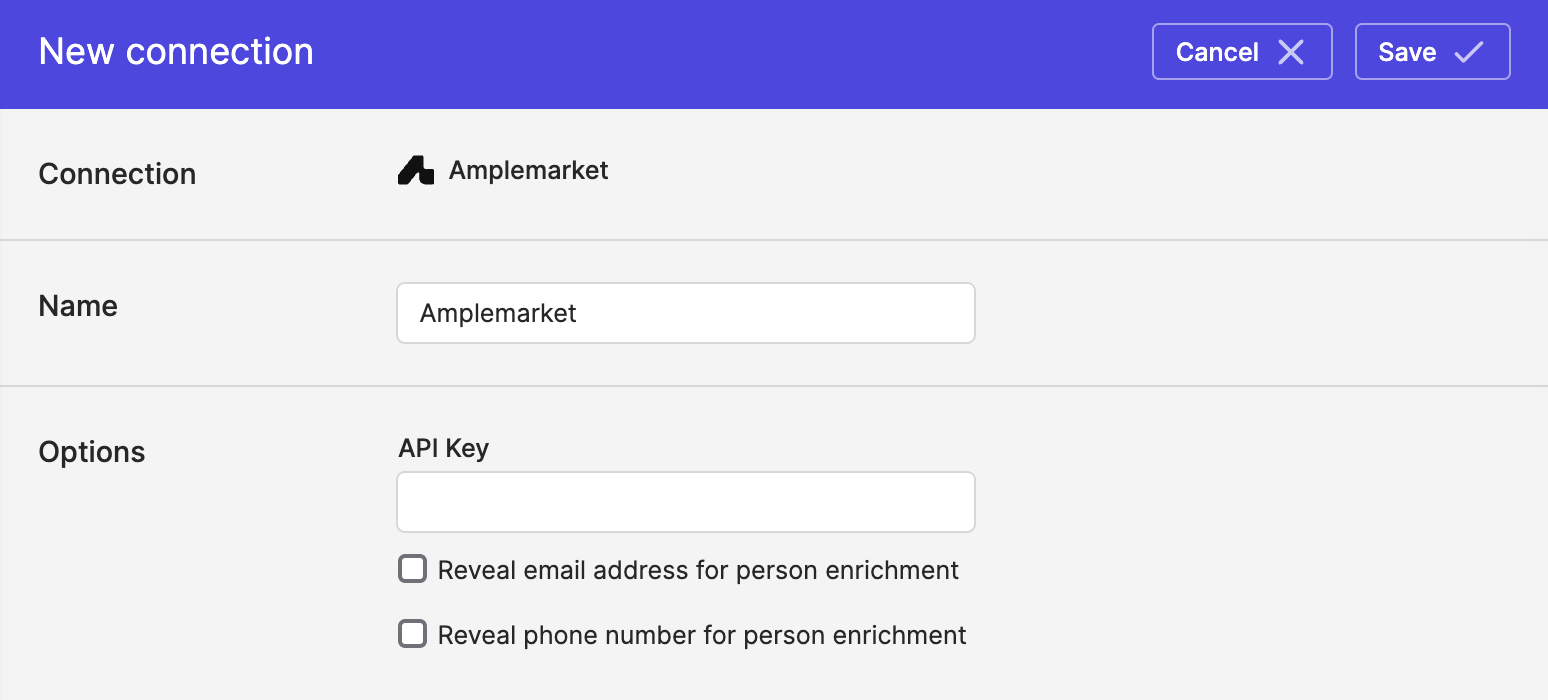
- Optional: turn on email address and phone number revealing when running Polytomic Enrichment using your Amplemarket account.
- Click Save.
Polytomic Enrichment
Once your connection above is made, you can use Amplemarket as an enrichment provider to enrich data in your data warehouses, databases, SaaS applications, or spreadsheets.
Updated 4 months ago