

Pinterest Ads
Destination
Polytomic connects to Pinterest Ads using OAuth:
-
In Polytomic, go to Connections → Add Connection → Pinterest Ads.
-
Click Connect to Pinterest Ads to authenticate to Pinterest Ads:
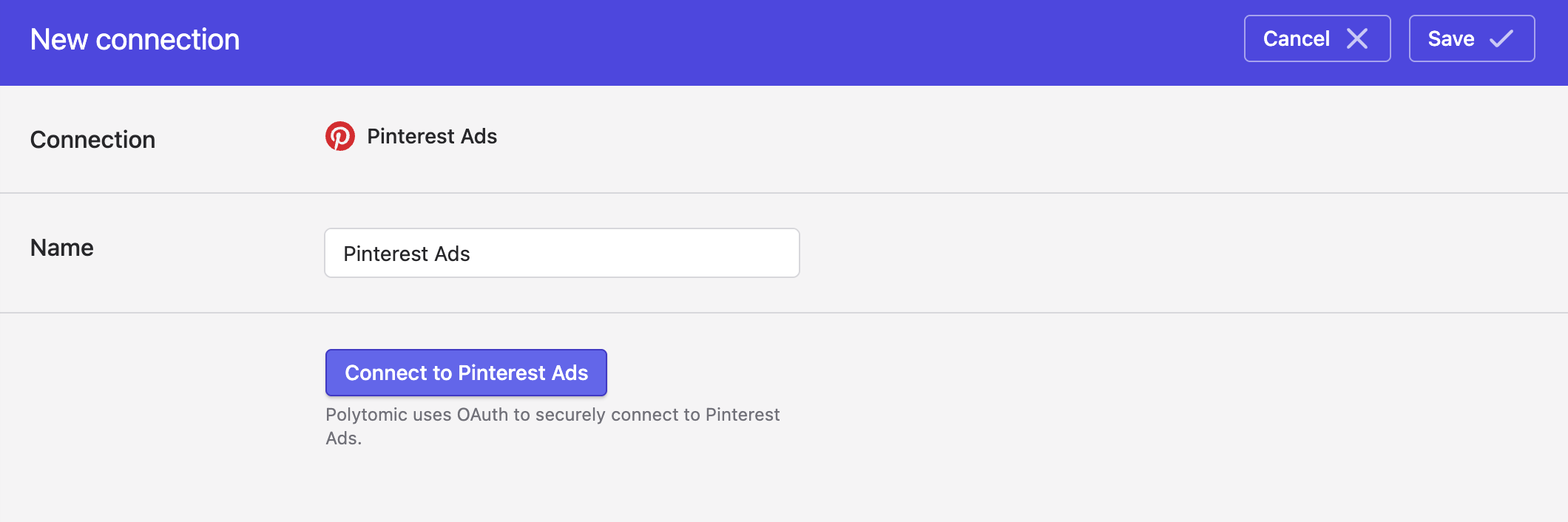
- Click Save.
Syncing to Pinterest Ads
Use Model Syncs to sync the following datasets from any of your systems (data warehouses, databases, CRMs, spreadsheets, or APIs) to Pinterest Ads:
- Audiences
- Conversion Events. Polytomic supports Pinterest's standard events and custom events.
Limited Data Processing (LDP)
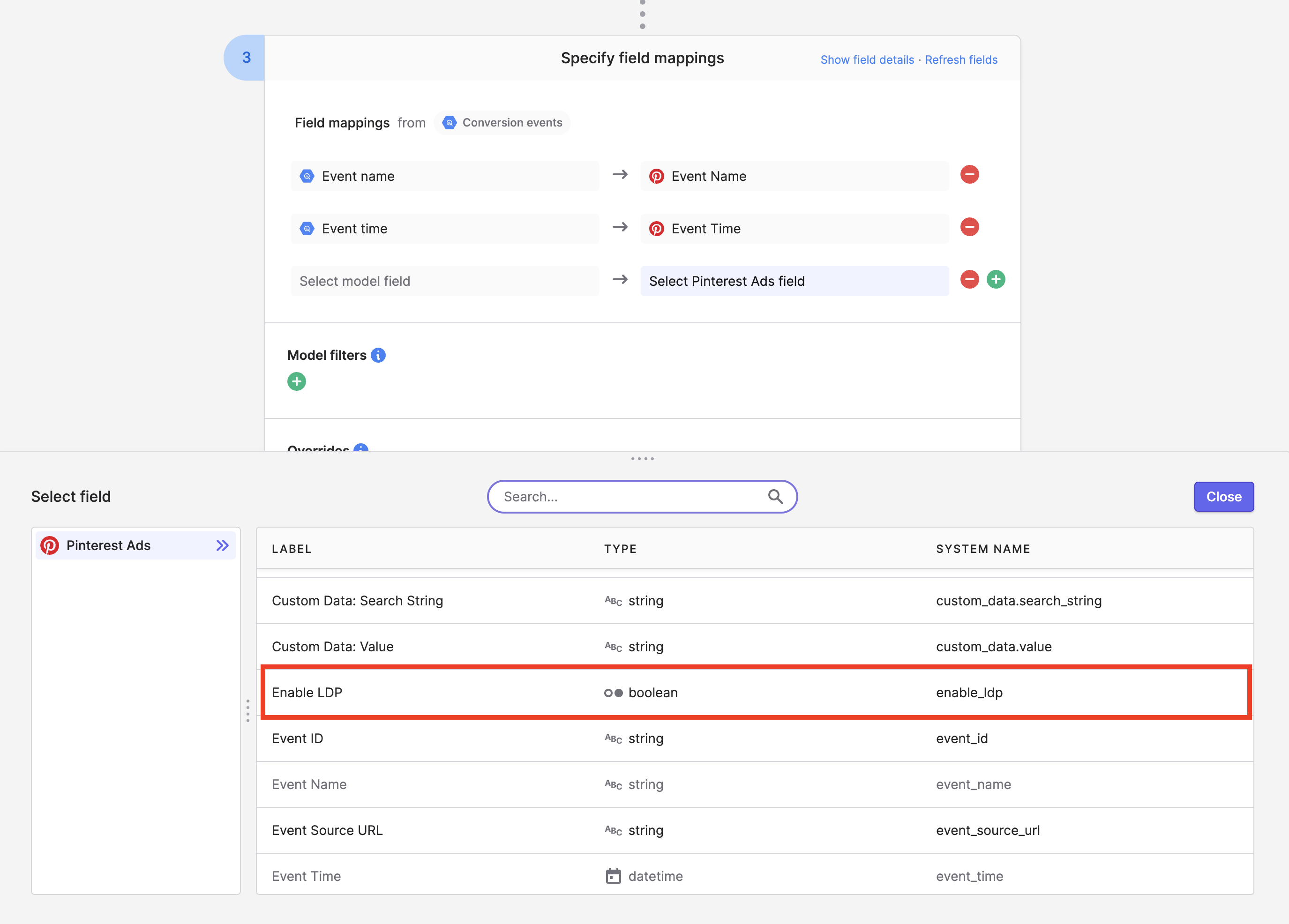
When syncing conversion events to Pinterest Ads, if you need to enable/disable Limited Data Procesing (also sometimes called Limited Data Use) per conversion event and US state-level privacy law adherence, you can do so by mapping a true/false value to the Limited Data Processing destination field in your Polytomic Model Sync configuration:
Updated 4 months ago