

Custom primary keys
Primary key identifier
When creating Bulk Syncs into your data warehouses and databases, in most cases Polytomic will automatically infer primary keys from the source system and set them in your destination schema (for example, the Id field in Salesforce, the primary key column in PostgreSQL, etc).
You can see the primary keys that Polytomic has automatically detected by noting those fields marked with a key icon in your bulk sync table configuration:
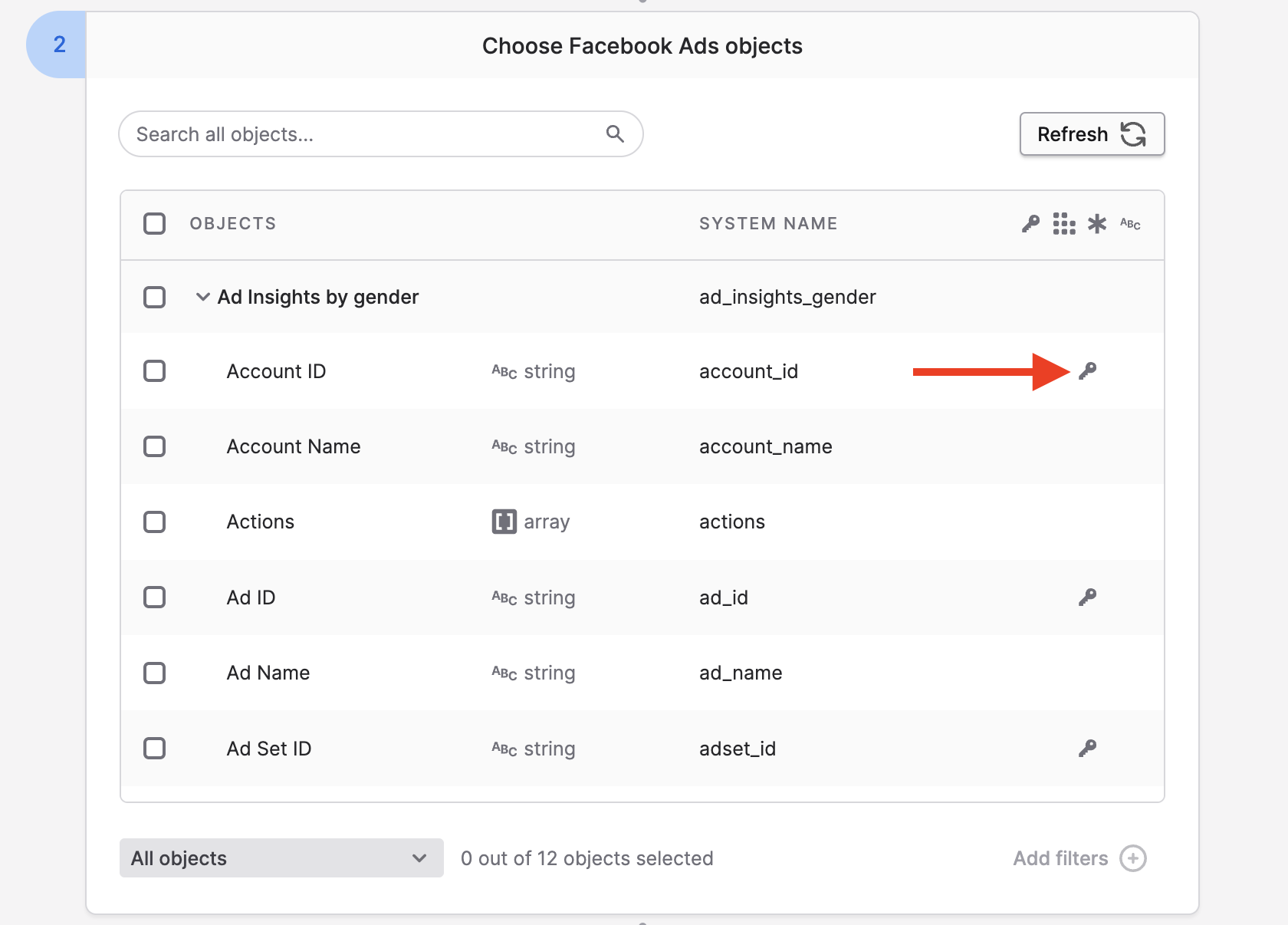
As seen from this screenshot, Polytomic can support multiple primary keys per table. In the above case, there is no single field that is unique for the table, but there is a combination of multiple fields that is.
Setting your own primary keys
Uniqueness constraintWhen setting your own primary keys, ensure that the fields' values are indeed unique in their respective tables. Otherwise you risk data loss during the syncing process.
There are situations where the source has no designated primary keys but you may want to set your own. For example, perhaps you're syncing to your data warehouse from Google Sheets, or CSVs from Amazon S3, or from another data warehouse whose table schema has no primary key designation.
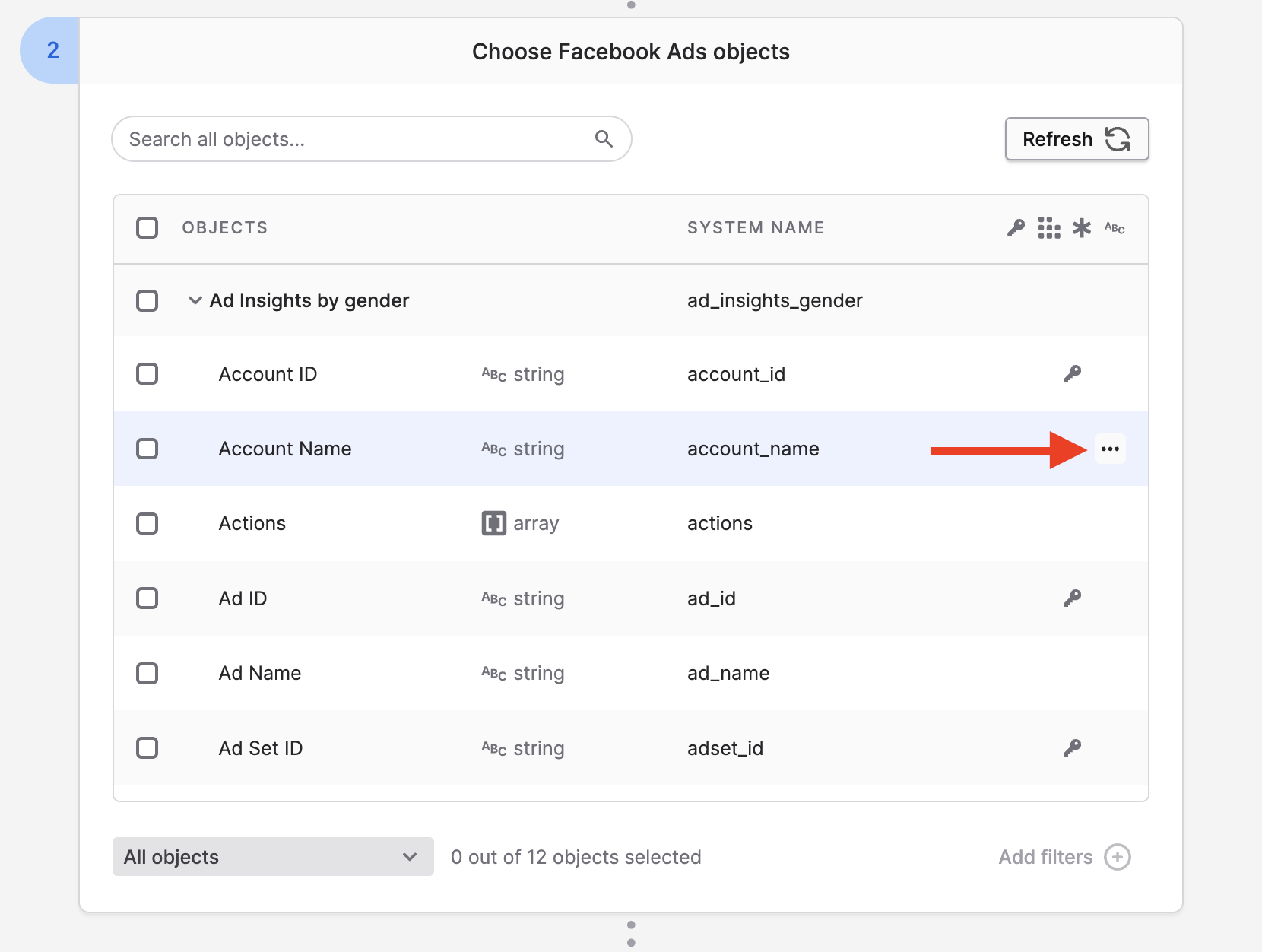
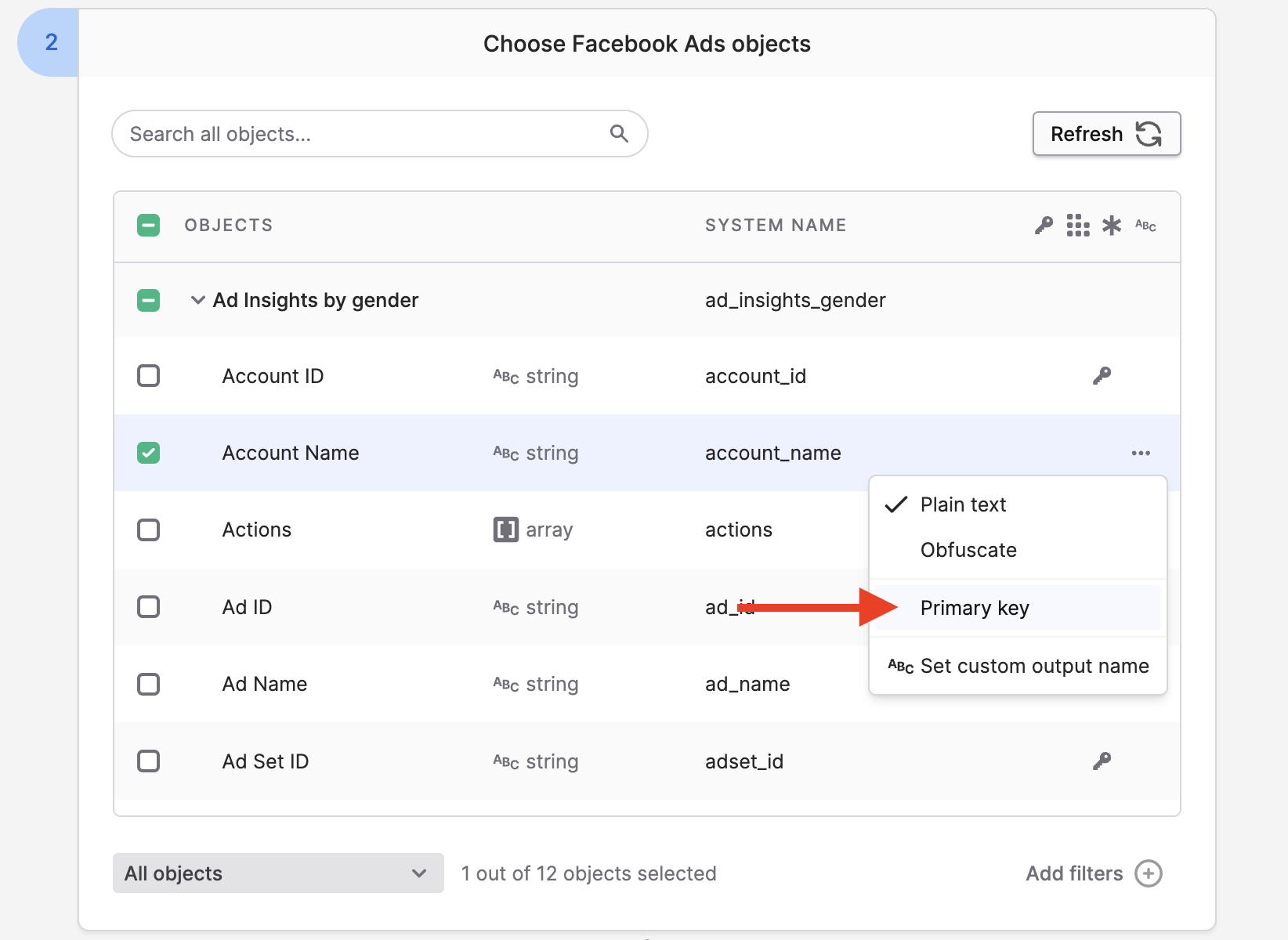
In these cases, you can set your primary keys for Polytomic to use and set in your destination data warehouse. You can do so by clicking on ... on the right of the fields you want to set, then clicking on the Primary key setting. You can set more than one primary key:
Updated 3 months ago