

Lago
Source
Polytomic connects to Lago using a Lago API key.
-
In Polytomic, go to Connections → Add Connection → Lago.
-
Paste your Lago API key in Polytomic's API key field.
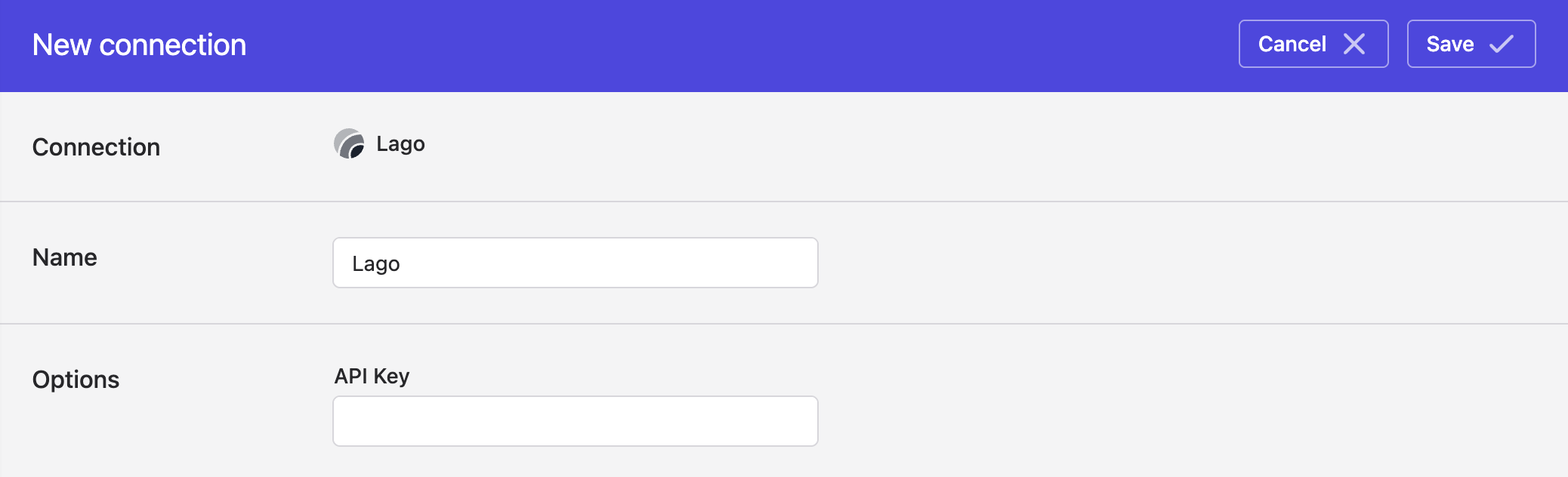
- Click 'Save'.
Syncing from Lago
Use Polytomic's Bulk Syncs to sync your Lago data (customers, subscriptions, balance fees, etc) to your data warehouses, database, and cloud storage buckets like S3.
Updated 4 months ago