

n8n
Source
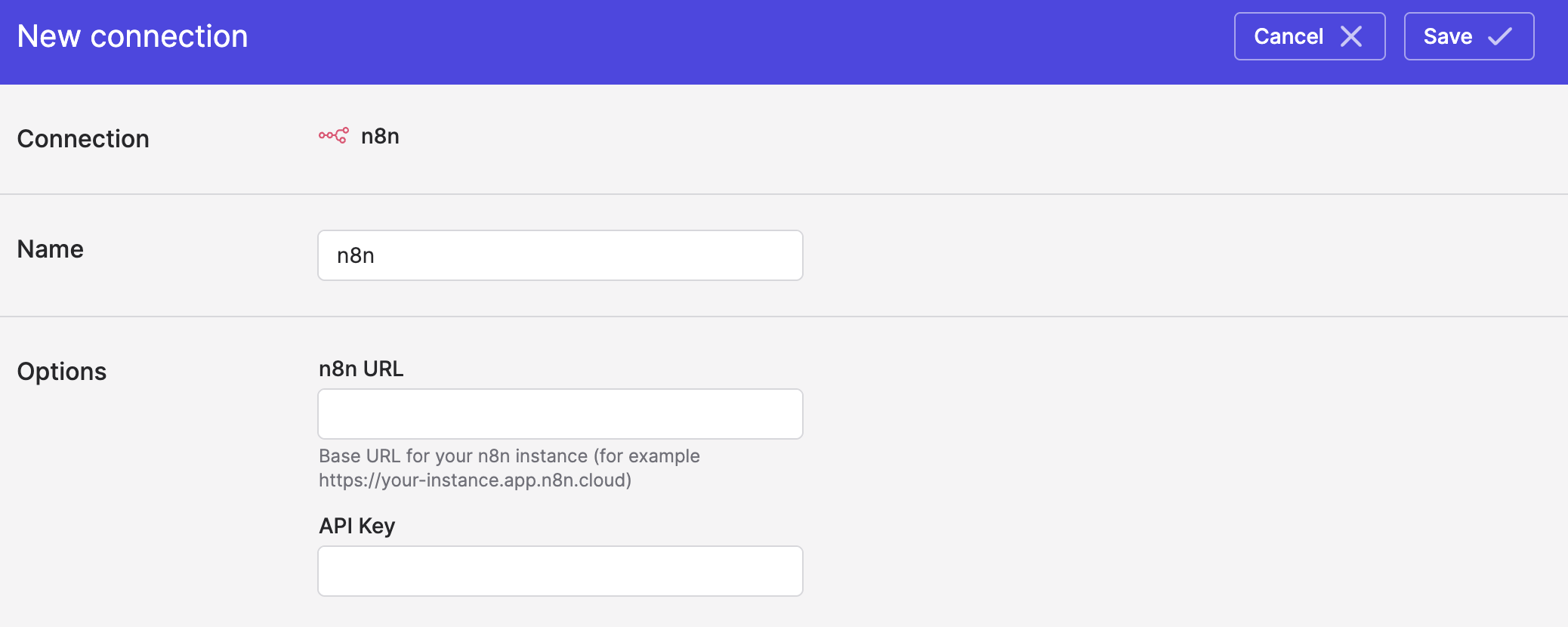
Polytomic connects to n8n using your n8n URL and API key:
- Obtain your n8n API key by logging into n8n and going to Settings → n8n API → Create an API key.
- In Polytomic, go to Connections → Add Connection → n8n.
- Enter your n8n URL and API key from Step 1 in Polytomic:
- Click Save.
Syncing from n8n
Use Polytomic's Bulk Syncs to sync your n8n workflow data to your data warehouses, database, and cloud storage buckets like S3.
Updated 4 months ago