

Reo.dev
Source
Polytomic connects to Reo.dev using a Reo.dev API key:
- Obtain your Reo.dev API key by contacting your Reo.dev support team.
- In Polytomic, go to Connections -> Add connection -> Reo.dev.
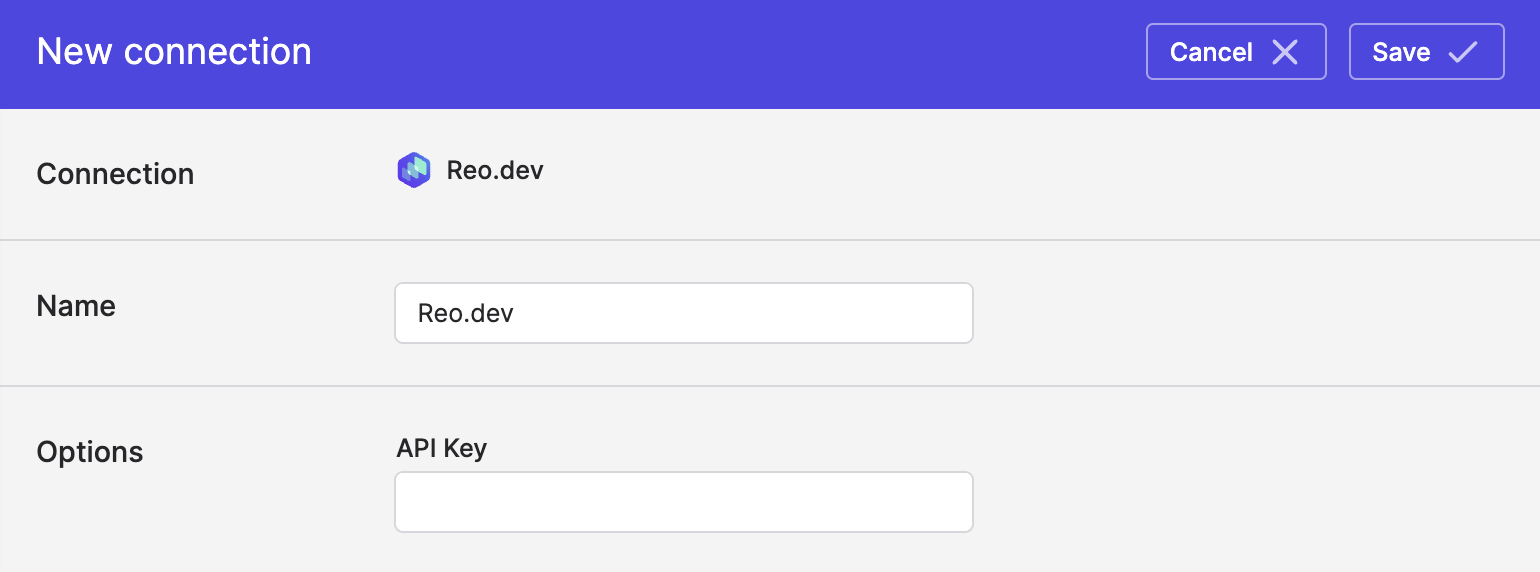
- Enter your Reo.dev API key in Polytomic's API Key field:
- Click Save.
Syncing from Reo.dev
Use Bulk Syncs to sync your Reo.dev data to your data warehouses, databases, and cloud storage buckets like S3.
Use Model Syncs to sync your Reo.dev data to SaaS applications, spreadsheets, and webhooks.
Updated 3 months ago